
Sir Robin Returns to Parliament Following Health Absence

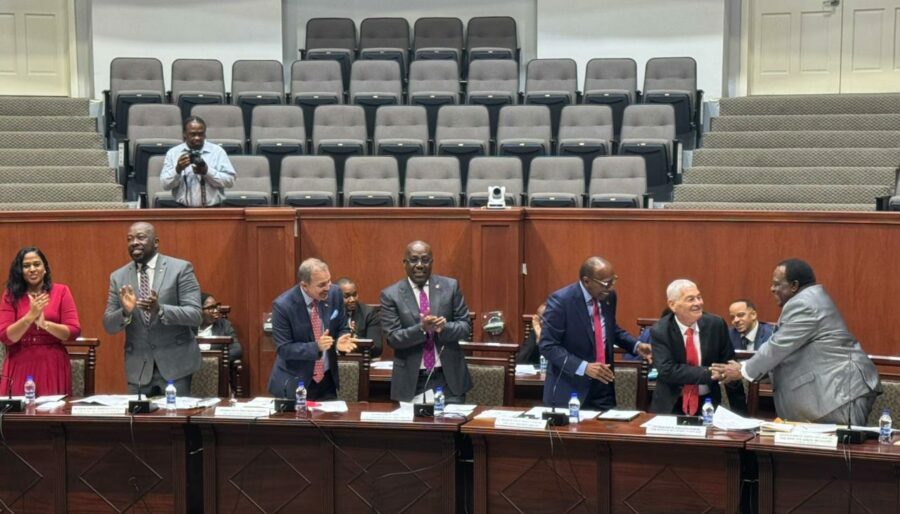
Sir Robin Yearwood made a notable appearance in Parliament today, after being absent from several sessions due to health issues.
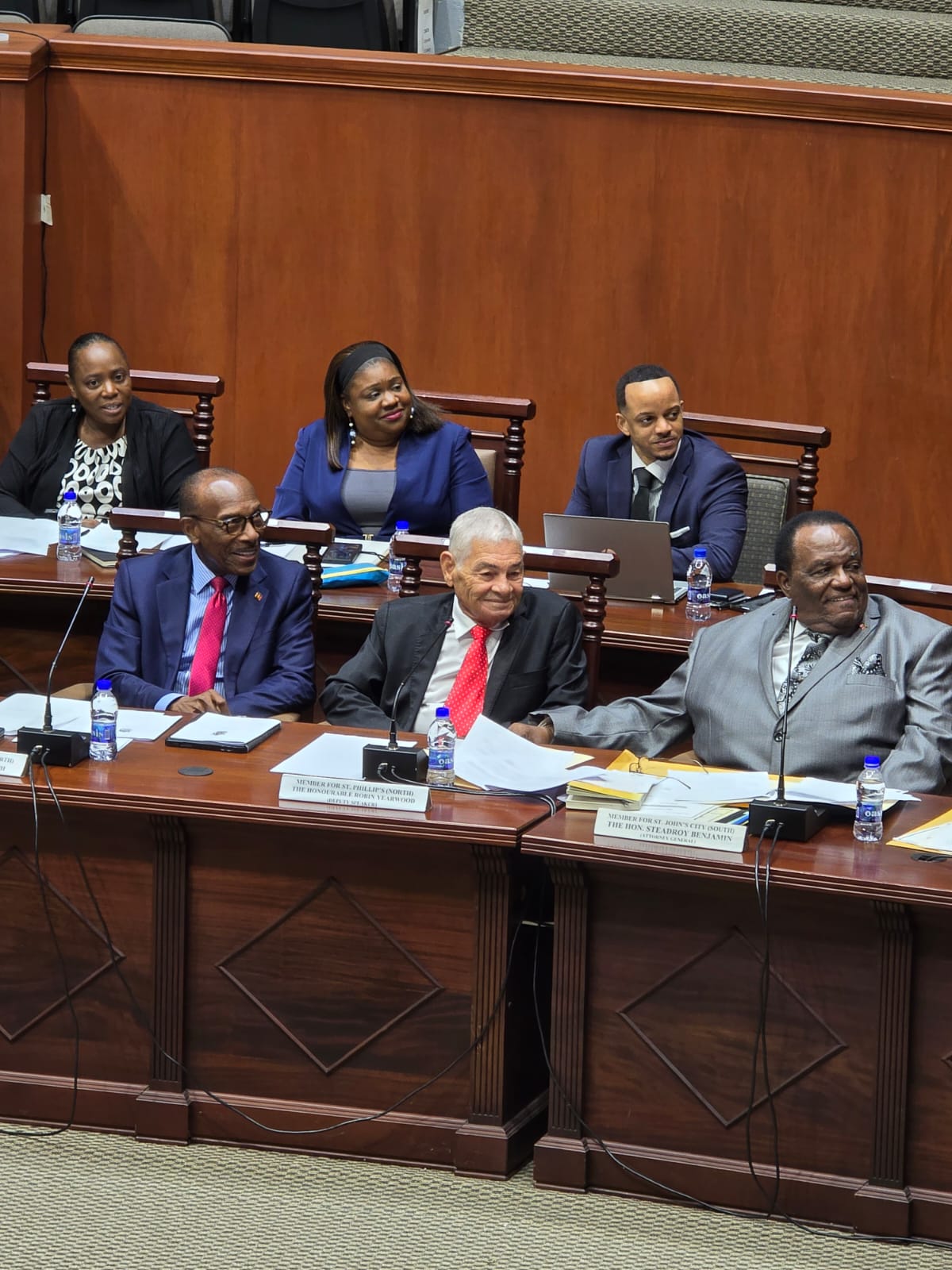
His return was met with warmth as he mingled among his colleagues, flashing a smile that conveyed his recovery and renewed vigor.
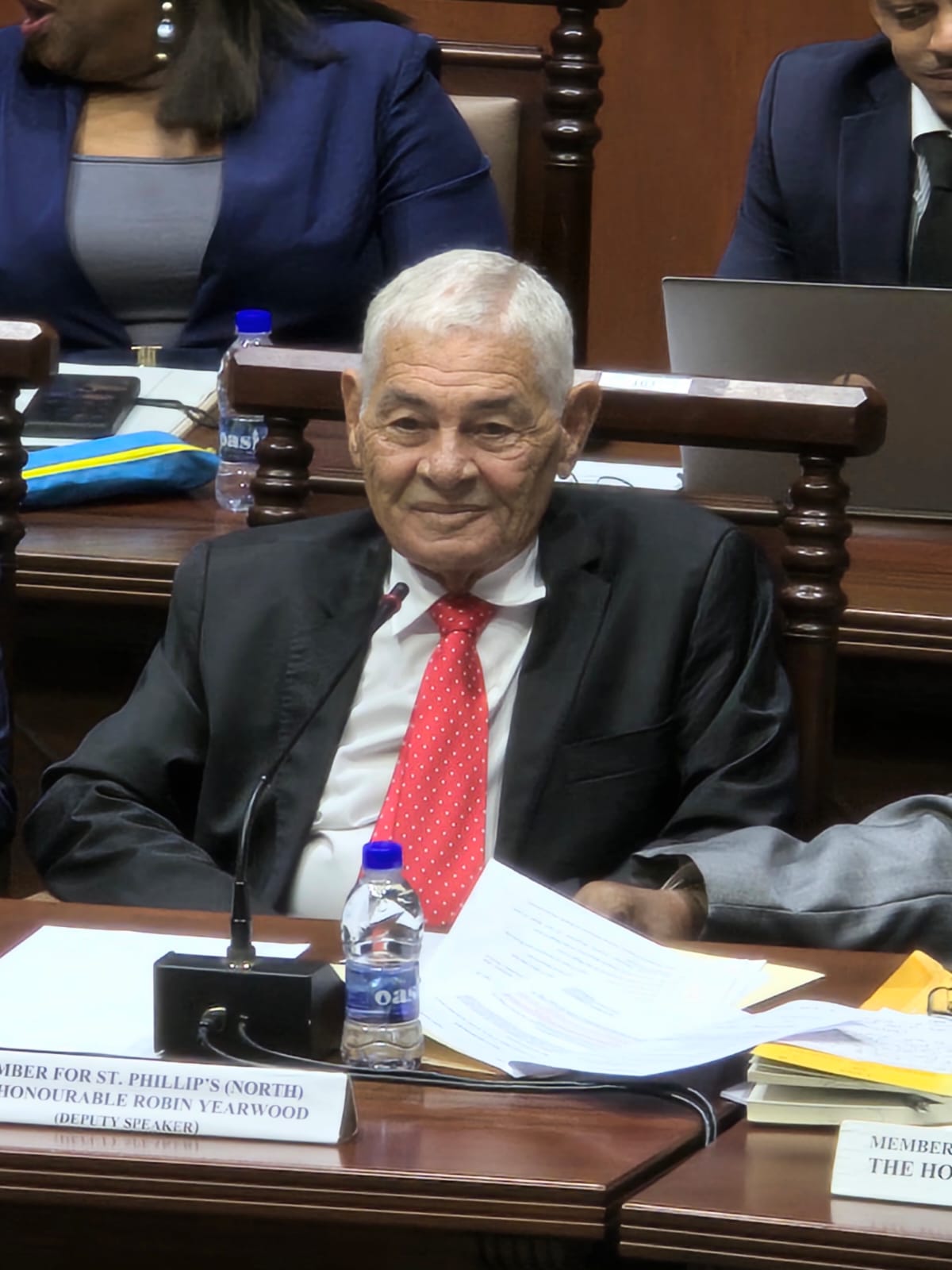
Though he will not contest the next general elections, Sir Robin’s impact on the political landscape is undeniable, and he will leave behind a profound legacy.
His tenure as the representative for St. Phillip’s North with the Antigua Barbuda Labour Party dates back to 1976, marking nearly half a century of dedicated service.
In recognition of his extensive contributions, Governor General Sir Rodney Williams disclosed plans to commission an official biography of Sir Robin Yearwood, which will honor the achievements of this esteemed 11-term Parliamentarian and celebrate his unwavering commitment to the people he has served for nearly five decades.

This story was first published by Antigua News on : antigua.news/2024/11/18/sir-robin-returns-to-parliament-following-health-absence. © 2024 Antigua News. Republication without permission is not allowed.

About the author
The Editorial Staff refers to all reporters employed by Antigua.news. When an article is not an original creation of Antigua.news—such as when it is based on a press release, other media articles, letters to the editor, or court decisions—one of our staff members is responsible for overseeing its publication.
Read our editorial standards and corrections policy. Spotted an error? Contact the newsroom.
More from Antigua and Barbuda
View section
Police Seek Public Assistance in Locating Family of Child Found Alone on Belmont Main Road
Authorities are appealing to the public for urgent assistance in identifying the child and locating her parents or guardians.
By Cory Wayland

Outrage in All Saints After Police Accused of Shooting Two Chained Dogs During Search
Calls for an immediate investigation intensify after allegations that police shot two restrained dogs, killing one and leaving the other with an eye injury.
By Cory Wayland

Cabinet Appoints Kem Hodge to Manage Pelican Court as Strict Rules Target Drugs and Noise
New management structure will oversee maintenance, enforce residential standards and help maintain a safe living environment at the Chinese-funded housing development.
By Cory Wayland

Foreign Troops to Join Increased Military Presence Across Antigua and Barbuda Ahead of CHOGM 2026
Defence Force alerts residents to heightened military activity, security exercises and possible movement restrictions as preparations intensify for the Commonwealth summit.
By Cory Wayland
Comments
Be the first to comment.