Lays Classic Party Size Potato Chips Recalled
Published January 30, 2025, 2:02 PM
Lays Classic Party Size Potato Chips Recalled The Prices and Consumer Affairs Division advises consumers of an ongoing recall of Lay’s classic potato chips over undeclared milk allergen as Food and Drug Administration officials issued a Class 1 recall meaning exposure to or eating the chips may have serious health outcomes.
According to the manufacturer, Frito-Lay, this recall only affects the Lay’s Classic Potato Chips 13 oz. (368.5 grams) party size with the following details:
Must have both “Guaranteed Fresh” date of 11 FEB 2025 AND one of the following the Manufacturing Codes 6462307xx OR 6463307xx.
This story was first published by Antigua News on January 30, 2025 at 2:02 PM (Antigua time, UTC−4) :
antigua.news/2025/01/30/lays-classic-party-size-potato-chips-recalled . © 2025 Antigua News. Republication without permission is not allowed.
Add Antigua.news to your Home Screen ✕ antigua.news ⋯ Open in Safari Copy link Share… First, open this page in Safari You are reading inside another app (Instagram, Facebook…). Tap ⋯ at the top right and choose Open in Safari (or Open in browser ).
No such option? Copy the link, open Safari and paste it in the address bar.
Copy the link ⚙️ Settings General › Software Update Update your iPhone first Alerts need iOS 16.4 or newer. Open Settings → General → Software Update and install the update. You can still add the icon now: tap Next .
‹ antigua.news ⋯ Tap the ⋯ button It is at the bottom right of Safari, next to the address bar. Don't see the bar? Scroll up a little.
Share Add Bookmark New Tab Find on Page Tap Share It is the first option of the menu, with a square-and-arrow icon.
antigua.news ‹ › ▢ ⧉ Tap the Share button The square with an arrow pointing up, in the middle of the bar at the bottom (on iPad: at the top right).
antigua.news Tap the Share button The square with an arrow, at the right of the address bar at the top. (Firefox: tap ☰ at the bottom, then Share.)
Copy Add to Reading List Add to Home Screen Tap Add to Home Screen Scroll down the list to find it (icon: a square with a +). Not there? Tap Edit Actions or View More at the bottom.
Cancel Add to Home Screen Add Antigua.news Open as Web App Keep Open as Web App on, then tap Add The switch must be green — without it, alerts can't work. Then tap Add at the top right.
Cancel Add to Home Screen Add Antigua.news An icon will be added to your Home Screen so you can quickly access this website. Tap Add At the top right . If you see an Open as Web App switch, leave it on (green).
Antigua.news Close the browser and open Antigua.news from its new icon Go to your Home Screen : the Antigua.news icon is there now (swipe left if you don't see it). Alerts only work when you open us from this icon .
“Antigua.news” Would Like to Send You Notifications Notifications may include alerts, sounds and icon badges. Don’t Allow Allow Tap 🔔 Turn on alerts , then Allow In the app you will see a red box asking to turn on alerts: choose your sections, tap the button, then tap Allow . That's it — breaking news will reach you even with the phone locked.
‹ Back Next ›
About the author
The Editorial Staff refers to all reporters employed by Antigua.news. When an article is not an original creation of Antigua.news—such as when it is based on a press release, other media articles, letters to the editor, or court decisions—one of our staff members is responsible for overseeing its publication.
Read our editorial standards
and corrections policy .
Spotted an error? Contact the newsroom .
Antigua and Barbuda November 26, 2026
Fernandez Pledges Tourism Authority Support for Love Link Caribbean Season Two The Antigua and Barbuda reality series has drawn more than 5.2 million YouTube views across 162 countries and territories in its debut season.
By Shermain Bique-Charles
Antigua and Barbuda November 26, 2026
Antigua and Barbuda Secures Extension for Citizenship by Investment Programme, Sets 2030 End Date The Citizenship by Investment Unit will accept new applications through January 31, 2029, under a revised timetable agreed with the European Commission.
By Shermain Bique-Charles
Antigua and Barbuda November 26, 2026
AIDS Secretariat Urges Men to Get Tested as Antigua and Barbuda Marks World AIDS Day A recent Men’s Health Day puts the focus on screening, with a public symposium, four evenings of walk-in testing and an awareness march to follow.
By Shermain Bique-Charles
Antigua and Barbuda November 26, 2026
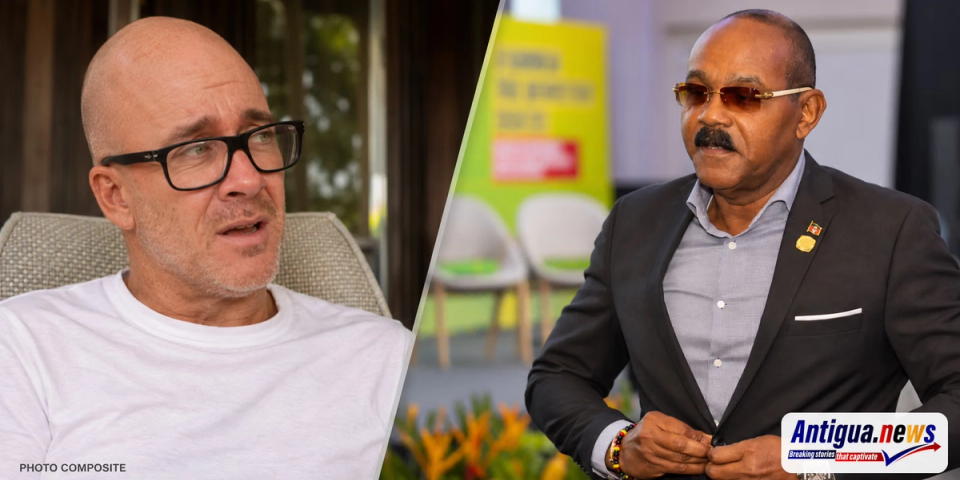
PM Gaston Browne Accuses Eli Fuller of Staging Green Island Beach Access Video Prime Minister Gaston Browne says Mill Reef Club has assured him that locals are not restricted from using Green Island's public beach, while accusing environmental activist Eli Fuller of deliberately misleading the public.
By Cory Wayland








Comments (2)
Stone January 30, 2025, 2:09 PM
Pamela January 30, 2025, 3:00 PM