
King Charles Engages Antiguan and Barbudan Building Craft Students During UK Visit

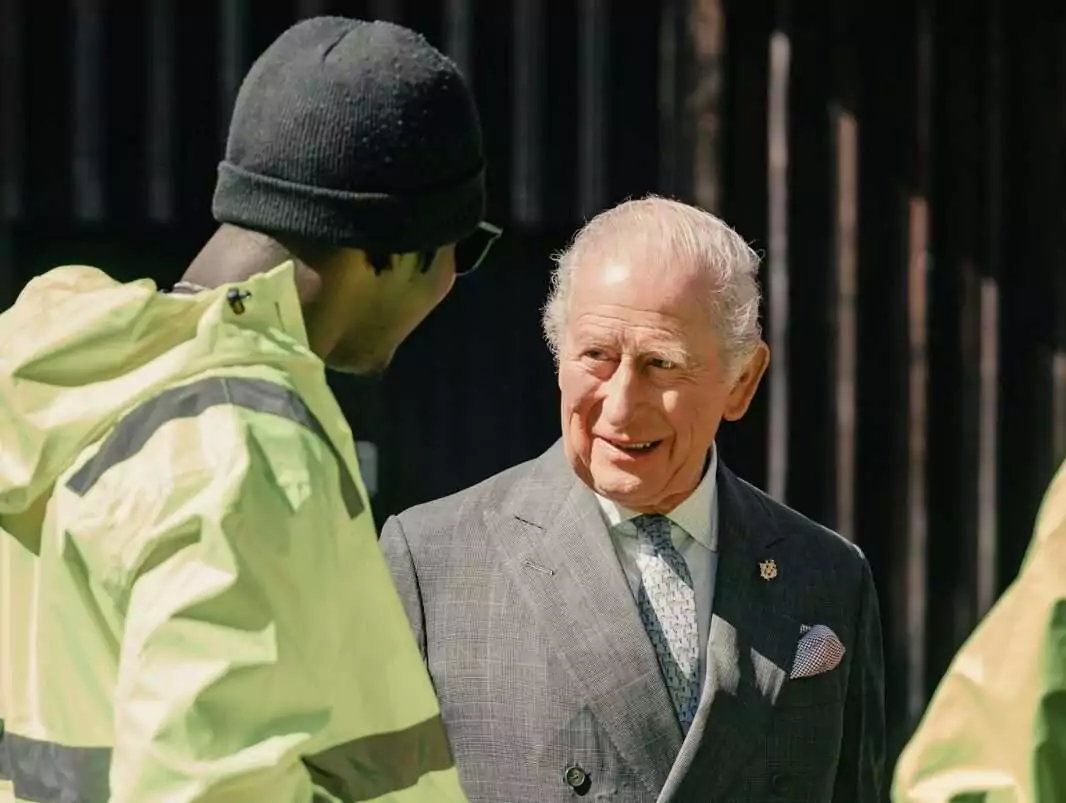
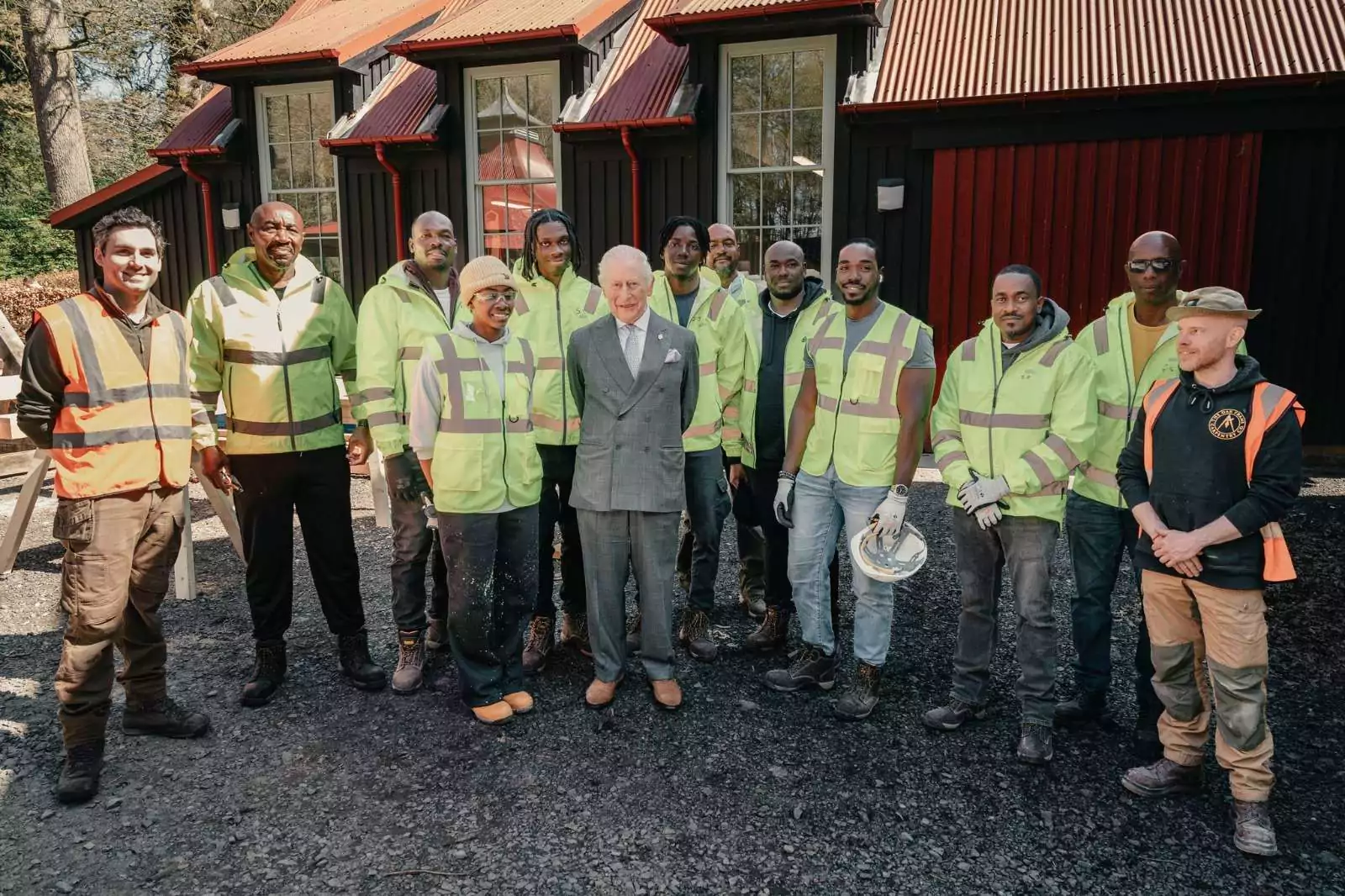
Students from Antigua and Barbuda pursuing training in traditional building techniques had a rare opportunity this week to meet King Charles III during a special engagement at Dumfries House in Scotland.
The students, currently in the United Kingdom as part of a skills development programme, are gaining hands-on experience in heritage construction methods and sustainable building practices.
During the visit, the King spent time learning about their work, their training journey, and their impressions of the programme.
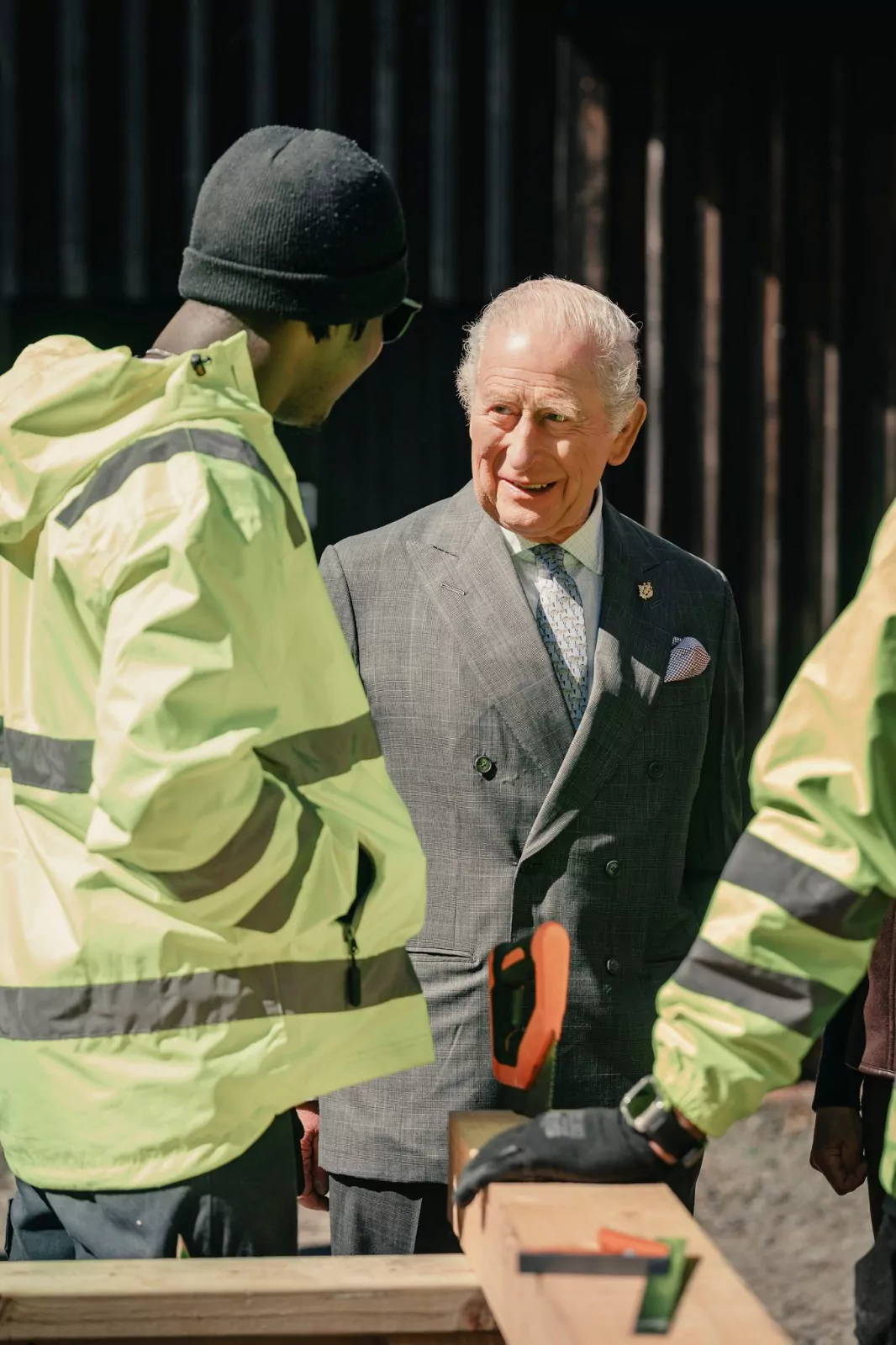
The group has been touring several sites connected to The King’s Foundation, including Highgrove Gardens and the The King’s Foundation School of Traditional Arts. At these locations, they have been working closely with tutors and alumni to deepen their understanding of traditional craftsmanship, architecture, and environmentally conscious construction.
The interaction at Dumfries House highlighted the growing collaboration between Antigua and Barbuda and the King’s Foundation, particularly in areas of cultural preservation and skills training.
The visit also comes ahead of the upcoming Commonwealth Heads of Government Meeting 2026, which will be hosted in Antigua and Barbuda later this year. Officials say initiatives like this exchange programme reflect broader efforts to strengthen ties within the Commonwealth while investing in youth development and sustainable industries.
Participants described the experience as both educational and inspiring, noting that exposure to historic sites and expert mentorship is equipping them with skills they hope to bring back home to support local development.
This story was first published by Antigua News on : antigua.news/2026/04/27/king-charles-engages-antiguan-and-barbudan-building-craft-students-during-uk-visit. © 2026 Antigua News. Republication without permission is not allowed.

About the author
Shermain Bique-Charles is an accomplished journalist with over 24 years of dynamic experience in the industry. Renowned for her exceptional storytelling and investigative skills, she has garnered numerous awards that highlight her commitment to journalistic integrity and excellence. Her work not only informs but also inspires, making her a respected voice in the field.
Read our editorial standards and corrections policy. Spotted an error? Contact the newsroom.
More from World
View section
Democrats Win Congress in Major Setback for Donald Trump
Victories in Republican strongholds hand Democrats control of the House and Senate.
By Shermain Bique-Charles

Nine Killed as Learjet 60 Crashes Into Florida Neighbourhood
The Learjet 60 crashed near Cresthaven in Palm Beach County while travelling from Texas to the Bahamas, prompting mass evacuations and an investigation by US aviation authorities.
By Cory Wayland

Spain Train Crash: 68 Dead, 77 Injured as Safety Decisions Face Scrutiny
At least 15 people are seriously injured after an AVE hit a stationary Iryo train near Urda. Spain announces national mourning as officials examine the order to restart after a safety-system failure.
By Dario Item

Spain Train Crash: At Least 30 Dead and Dozens Injured in Toledo
Regional authorities confirm a higher death toll and the evacuation of injured passengers after the Renfe–Iryo collision, nine months after Adamuz and 32 days before Spain’s election.
By Dario Item
Comments (1)
Kingly April 28, 2026, 12:21 PM