
APUA Urges Residents Not to Attach Hoses to Public Standpipes

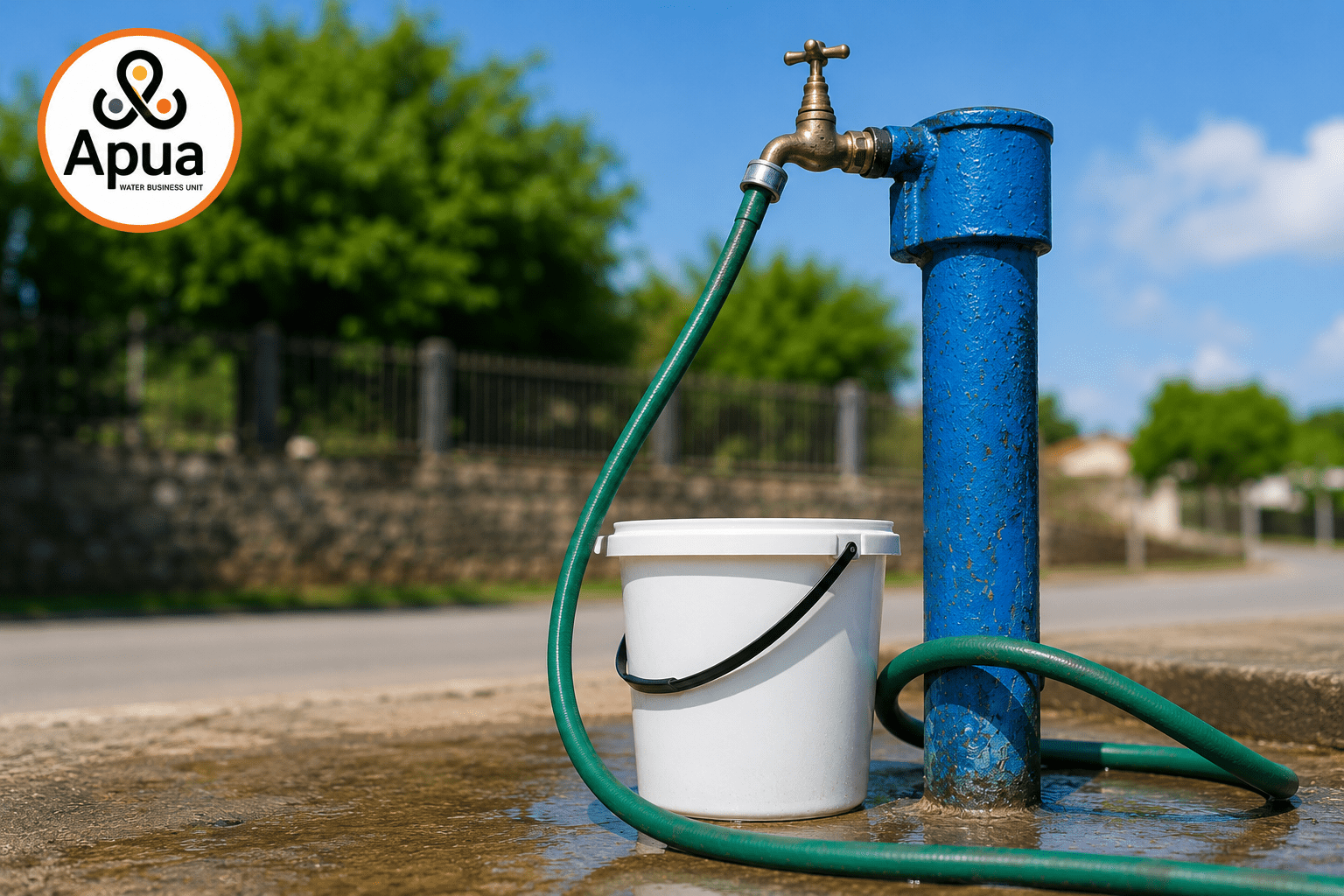
The Antigua Public Utilities Authority (APUA) Water Business Unit is reminding residents that hoses must not be attached to public standpipes under any circumstances.
Standpipes are shared community resources provided as a public service to support vulnerable residents and households that may not have direct access to a potable water supply.
These facilities are intended to provide safe and reliable access to water for household use and must be used responsibly by all members of the community.
The Water Business Unit warns that the unauthorised attachment of hoses, tampering with standpipes, or any other form of misuse poses a risk of contamination and may create potential public health concerns. Such practices can also lead to excessive water consumption, unnecessary wastage, and reduced water availability for other residents who depend on these facilities.
Acting Water Business Unit Manager, Jason Peters, said the practice undermines the purpose of the service and negatively impacts those who rely on standpipes for their daily needs.
“Standpipes are intended to provide residents with access to potable water for their household needs. When hoses are attached, it can result in excessive water use and wastage and reduce the availability of water for other persons waiting to access the service. We are asking the public to be considerate of their neighbours and to use standpipes only as intended,” Peters said.
The Water Business Unit further advises that the commercial use of standpipes is strictly prohibited. Residents are also urged not to wash vehicles at standpipes, particularly during periods of drought when water resources are under increased pressure.
APUA is encouraging all residents to use water wisely and to remain mindful that many individuals and families depend on these public facilities. Responsible use and conservation will help ensure that standpipes remain safe, accessible, and available to those who need them most.
This story was first published by Antigua News on : antigua.news/2026/06/23/apua-urges-residents-not-to-attach-hoses-to-public-standpipes. © 2026 Antigua News. Republication without permission is not allowed.

About the author
The Editorial Staff refers to all reporters employed by Antigua.news. When an article is not an original creation of Antigua.news—such as when it is based on a press release, other media articles, letters to the editor, or court decisions—one of our staff members is responsible for overseeing its publication.
Read our editorial standards and corrections policy. Spotted an error? Contact the newsroom.
More from Antigua and Barbuda
View section
Antigua and Barbuda First in Eastern Caribbean to Sign UN Development Framework for 2027–2031
The agreement will guide cooperation on economic diversification, climate resilience, social protection and other development priorities.
By Shermain Bique-Charles

Parker Defends Call for Age of Consent at 18 in Response to ASPIRE
Senator calls for stronger protection against sexual exploitation alongside adolescent healthcare, education and safeguards for relationships between young people close in age.
By Shermain Bique-Charles

Greene Says CHOGM Could Open Doors for UWI Five Islands
Foreign minister identifies international student recruitment and academic connections as potential longer-term opportunities. Meta description: Greene says CHOGM could help UWI Five Islands promote its programmes and build connections with Commonwealth countries.
By Shermain Bique-Charles

West Indies Oil Seeks Coordination on Fuel Deliveries During CHOGM
Police ask the company to provide delivery dates and times so movements can be coordinated with security arrangements.
By Cory Wayland
Comments (2)
Roll eyes June 23, 2026, 6:57 PM
Juju Bee June 23, 2026, 7:19 PM