
Major CHOGM Security Exercise to Cause Temporary Road Closures Across Antigua

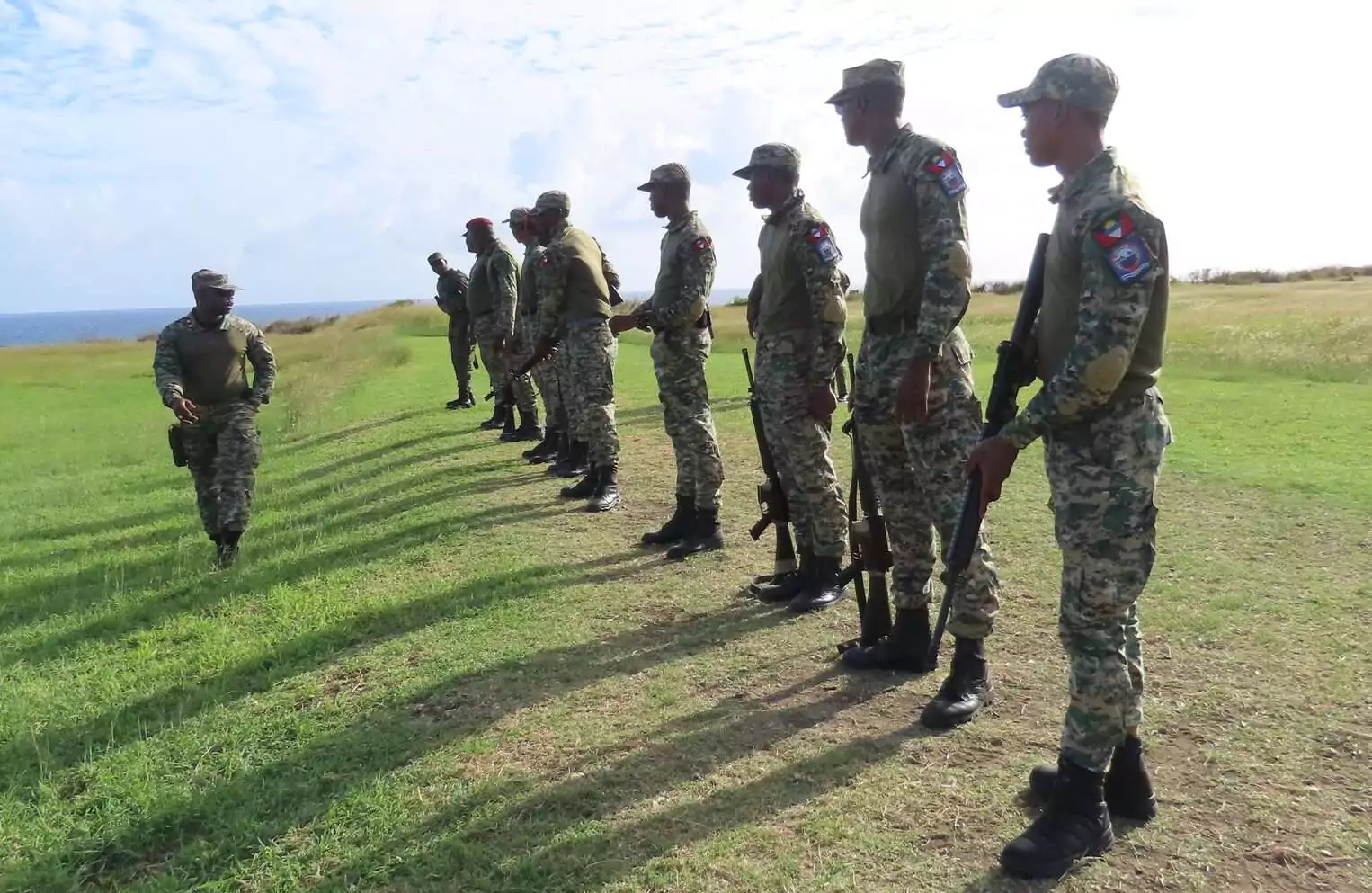
Motorists can expect increased security activity and temporary traffic disruptions next month as Antigua and Barbuda stages a large-scale national security exercise in preparation for the 2026 Commonwealth Heads of Government Meeting (CHOGM).
The National Security Planning Committee, in collaboration with several security and emergency response agencies, will conduct Exercise STRONGHOLD from July 8 to July 10 to test the country’s readiness ahead of the international summit, which will be hosted in Antigua and Barbuda this November.
The three-day operation is designed to evaluate national security preparedness, emergency response capabilities, inter-agency coordination and overall operational effectiveness in the event of major incidents during CHOGM.
Throughout the exercise, members of the security forces and emergency services will carry out convoy movements and other operational activities along major roadways and at strategic locations across the island. Authorities have advised that these operations will result in temporary road closures, traffic diversions and restricted access in several areas.
Among the locations expected to be affected are roads leading to the American University of Antigua (AUA), hotels in the island’s northern corridor, Sir George Walter Highway, Sir Sydney Walling Highway, Old Parham Road, Friars Hill Road, and the streets surrounding the Antigua and Barbuda National Performing Arts Centre.
Restrictions will also be in effect within sections of St. John’s. The designated security zone will extend from Newgate Street to New Street and from Parliament Drive to Corn Alley, where vehicular access will be limited for portions of the exercise.
Pedestrian movement will also be regulated within the designated areas, with police officers and other security personnel deployed to direct traffic, assist motorists and ensure public safety throughout the operation.
Officials are encouraging residents to plan their journeys ahead of time, allow for possible delays and follow all instructions issued by police and other authorized personnel. Members of the public are also being urged to monitor official government communication channels for updates before and during the exercise.
The National Security Planning Committee acknowledged that the temporary measures may cause some inconvenience but said they are a necessary part of ensuring Antigua and Barbuda is fully prepared to safely host one of the Commonwealth’s most significant international gatherings later this year.
This story was first published by Antigua News on : antigua.news/2026/06/29/major-chogm-security-exercise-to-cause-temporary-road-closures-across-antigua. © 2026 Antigua News. Republication without permission is not allowed.

About the author
The Editorial Staff refers to all reporters employed by Antigua.news. When an article is not an original creation of Antigua.news—such as when it is based on a press release, other media articles, letters to the editor, or court decisions—one of our staff members is responsible for overseeing its publication.
Read our editorial standards and corrections policy. Spotted an error? Contact the newsroom.
More from Antigua and Barbuda
View section
West Indies Oil Seeks Coordination on Fuel Deliveries During CHOGM
Police ask the company to provide delivery dates and times so movements can be coordinated with security arrangements.
By Cory Wayland

Two Women Sentenced to Prison Over $4,405 Clothing Theft in St. John’s
Cleo Lemonious and Latoya Pilliner pleaded guilty to stealing clothing from Hampton Boutique and were handed over to immigration authorities following their sentencing.
By Cory Wayland

Chase Supermarket to Host Two-Day Job Fair for Full-Time Positions
Applicants are invited to explore vacancies across several departments on October 31 and November 1 at the supermarket’s Herbert’s location.
By Editorial Staff

Dwayne George Demands Accountability in Management of New Arts Centre
The Creative Industries Minister says responsible spending, maintenance and professional management must protect the national investment.
By Shermain Bique-Charles
Comments (1)
Apex Jones June 29, 2026, 4:13 PM