
Health Ministry, UNFPA Prepare for Emergency Reproductive Health Workshop

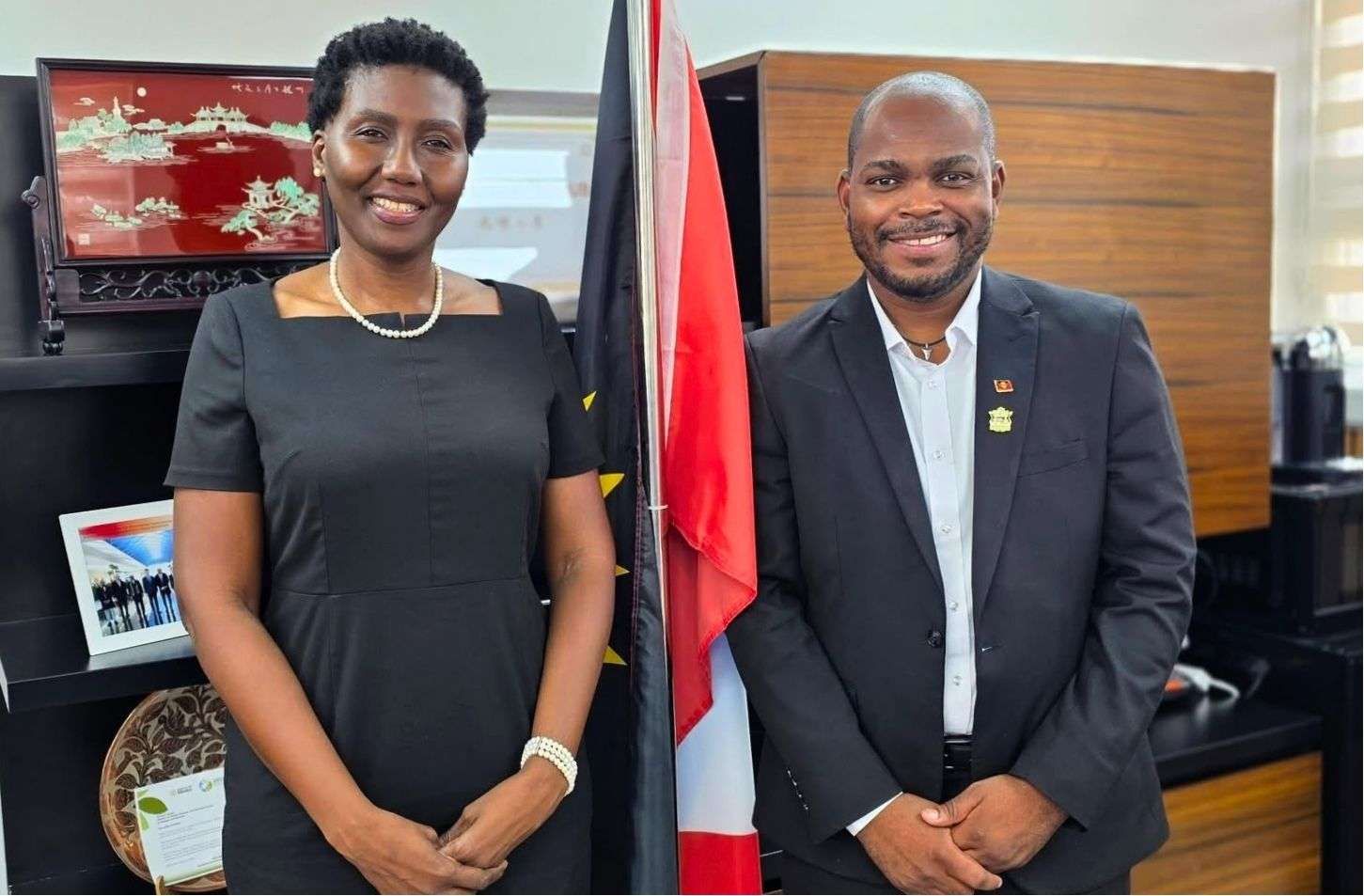
Health Minister Michael Joseph has welcomed a representative of the United Nations Population Fund (UNFPA) as Antigua and Barbuda prepares to strengthen its ability to maintain critical sexual and reproductive health services during emergencies.
Joseph, the Minister of Health, Wellness, Environment and Civil Service Affairs, met with De-Jane Gibbons, UNFPA Liaison Specialist for Barbados and the OECS, during a courtesy call ahead of a two-day workshop focused on the Minimum Initial Service Package (MISP) for Sexual and Reproductive Health in Crisis Situations.
The workshop is being conducted by UNFPA in collaboration with the Ministry of Health and will examine the country’s readiness to implement the MISP during humanitarian emergencies.
Participants are also expected to develop a country-specific action plan aimed at strengthening preparedness, coordination and the delivery of essential services when disasters or other crises disrupt normal healthcare systems.
The initiative is part of wider efforts to ensure that essential sexual and reproductive health services remain accessible during emergencies, when healthcare systems and vulnerable populations can face increased pressure.
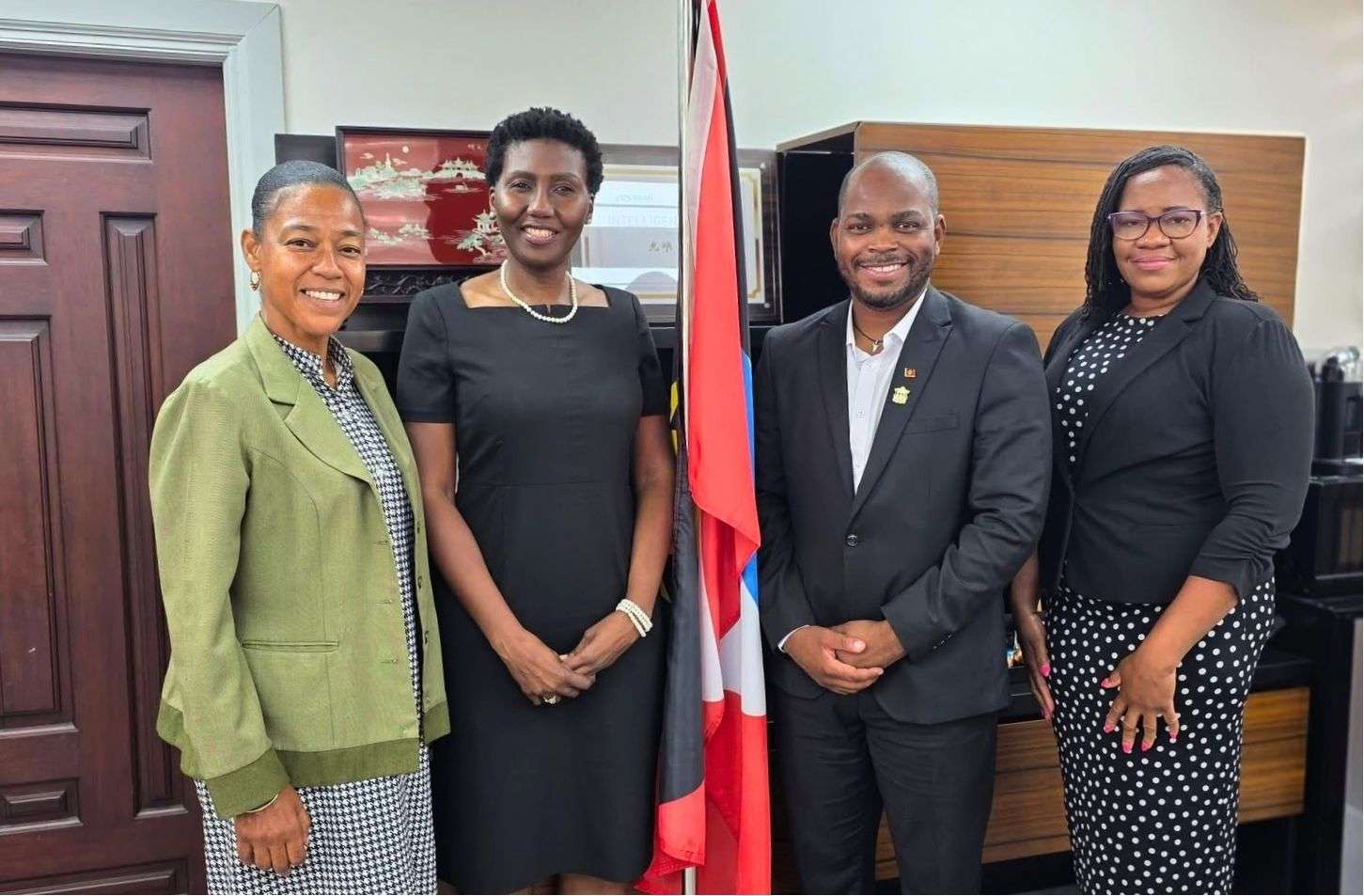
Chief Medical Officer Dr. Kamaria DeCastro and Senior Medical Officer Dr. Lori-ann Johnson were also present for the courtesy call.
The two-day session is expected to help identify existing gaps and areas where additional planning and coordination may be required to improve Antigua and Barbuda’s response during future humanitarian emergencies.
This story was first published by Antigua News on : antigua.news/2026/08/25/health-ministry-unfpa-prepare-for-emergency-reproductive-health-workshop. © 2026 Antigua News. Republication without permission is not allowed.

About the author
The Editorial Staff refers to all reporters employed by Antigua.news. When an article is not an original creation of Antigua.news—such as when it is based on a press release, other media articles, letters to the editor, or court decisions—one of our staff members is responsible for overseeing its publication.
Read our editorial standards and corrections policy. Spotted an error? Contact the newsroom.
More from Antigua and Barbuda
View section
Multimillion-Dollar Potters Transformation to Deliver Major Sporting and Community Hub
Renamed Harrison Potters Sports Centre will feature an Olympic-sized pool, expanded sporting facilities and new opportunities for students, athletes and small businesses.
By Shermain Bique-Charles

Commonwealth Countries Offered Space-Based Data Storage Under New SMI and Lonestar Partnership
Announced during CHOGM 2026 in Antigua and Barbuda, the collaboration will explore storing important records in orbit, with a commitment to provide one terabyte of data storage to each Commonwealth country.
By Cory Wayland

Prime Minister Dickon Mitchell Secures Historic Second Term as NDC Wins 14 of Grenada’s 15 Seats
The National Democratic Congress expands its parliamentary majority from nine to 14 seats, leaving the opposition New National Party with just one constituency.
By Cory Wayland

Jennings Residents Benefit from Free Eye Screenings and Reading Glasses Under Prime Minister’s Vision Initiative
The community-based programme is providing free vision screenings and reading glasses to qualifying residents, with services continuing until Friday, November 6.
By Cory Wayland
Comments (4)
Informed citizen August 26, 2026, 11:22 AM
Civic Minded August 26, 2026, 11:22 AM
Well-known August 26, 2026, 11:23 AM
Apex Jones August 27, 2026, 7:42 AM