
Royal Caribbean and Tourism Officials meet to discuss delayed employment

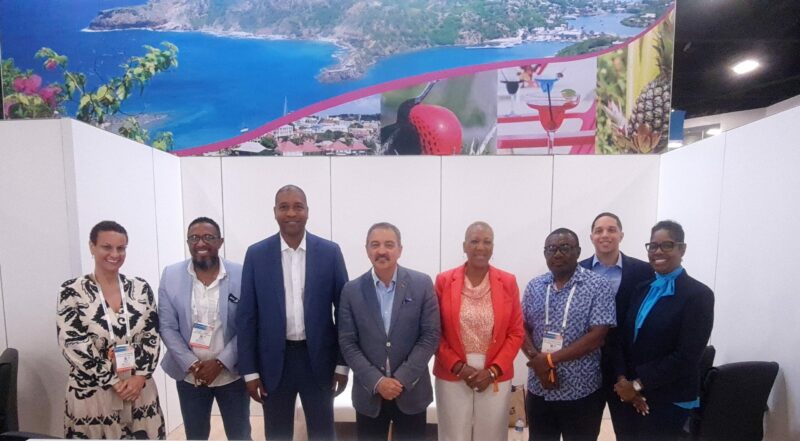
On Monday, officials in the Ministry of Tourism will seek further clarification from the Royal Caribbean Cruises management team to discuss the delay in the final stage of the process for hundreds of Antiguans and Barbudans waiting to start work with the cruise line.
“We will find out from them how soon they would be ready to begin. For is the season only really starts in October. We are following up in earnest and we hope that things will work out. There are a few hurdles and I am hoping that those can be overcome,” said Charles Fernandez, Antigua, and Barbuda’s Tourism Minister
Fernandez reported last week that the final stages of the process for hundreds of Antiguans and Barbudans waiting to start work with Royal Caribbean Cruises have been delayed because of internal issues within the company.
In July, hundreds of nationals signed up and attended a week-long job fair put on by the global cruise company. The venture saw an array of positions offered to local people, ranging from desk attendants to engineers and medical personnel.
Almost three months later, however, the process is still incomplete, forcing critics to say the venture was a “pie in the sky”, a claim that Fernandez quickly discarded.
“They flew their staff to Antigua and Barbuda and did interviews. They had people on the ground. I met with them in Miami before they arrived here. This is not just an Antiguan venture, other countries like Barbados had done the same…”, Fernandez explained.
Five hundred of the people who signed up for the job fair were invited for interviews. Of those, 398 showed up and 368 were offered jobs on the spot.
Men and women aged from 18 to their late 30s showed an interest in acquiring one of the many jobs being offered by the cruise line.
This story was first published by Antigua News on : antigua.news/2022/09/25/royal-caribbean-and-tourism-officials-meet-to-discuss-delayed-employment. © 2022 Antigua News. Republication without permission is not allowed.

About the author
Shermain Bique-Charles is an accomplished journalist with over 24 years of dynamic experience in the industry. Renowned for her exceptional storytelling and investigative skills, she has garnered numerous awards that highlight her commitment to journalistic integrity and excellence. Her work not only informs but also inspires, making her a respected voice in the field.
Read our editorial standards and corrections policy. Spotted an error? Contact the newsroom.
More from Antigua and Barbuda
View section
Chinese Partners Join Social Protection Board in Successful Food Distribution
Donated meals and hands-on support bring assistance to members of the public, with Operations Manager Emily Baltimore praising the partnership.
By Shermain Bique-Charles

Residents Inside CHOGM Security Zone Warned About Temporary Re-entry Restrictions
Police say people may leave their homes during the opening ceremony restrictions but could face difficulty returning before controls are lifted.
By Shermain Bique-Charles

No Nationwide Lockdown for CHOGM, Officials Assure Public
Temporary security restrictions and convoy stops will affect selected areas while businesses and essential services continue operating.
By Shermain Bique-Charles

Police Say Previous Grays Farm Investigation Led To Washington Bramble’s Arrest at Town Hall Meeting
Police say several attempts to locate Bramble for questioning had been unsuccessful before officers arrested him during Wednesday’s town hall meeting.
By Cory Wayland
Comments
Be the first to comment.