
Elon Musk to step aside as Twitter CEO if he finds a “foolish” replacement
By Tata
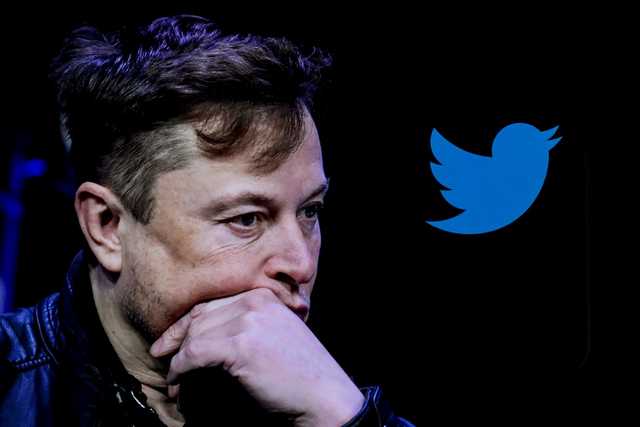
Billionaire Elon Musk said he would resign as CEO of the microblogging platform Twitter if he finds a suitable replacement for the position. The world’s richest man disclosed this after a poll he initiated on Twitter showed the majority of participants wanted him to step aside.
“I will resign as CEO as soon as I find someone foolish enough to take the job! After that, I will just run the software & servers teams,” Musk wrote on Twitter.
Mr Musk, who recently took charge of Twitter, has been commended for the reforms he brought to the platform, but there are also criticisms of some of the decisions he has made within the short period.
“Should I step down as head of Twitter? I will abide by the results of this poll,” Musk asked Twitter users on Monday.
At the end of the poll, in which 17,502,391 people participated, 57.5% wanted the Twitter boss to step down, while 42.5% wanted him to remain.
Previous surveys conducted have shown that Twitter performed better than in the pre-Musk era. Many attributed the changes and reforms to the fact that the world’s richest man seeks the opinions of Twitter users before making critical decisions.
A businessman that listens to his customers
When Elon Musk took over Twitter, some people thought the good days of Twitter were finally over. To the surprise of many, Musk has acted not like a lord of Twitter but as one who needs the opinions of Twitter users before making critical decisions.
Since taking over, Musk has initiated various polls and abided by the result of each one of them. Even before agreeing he would step aside as CEO, Twitter users never doubted if he would abide by the outcome of the poll because he had done it previously and severally.

The one questionable decision
Last week, Elon Musk suspended the accounts of some journalists that published information regarding his plane.
“They posted my exact real-time location, basically assassination coordinates, in (obvious) direct violation of Twitter terms of service,” Elon Musk wrote.
Although the said posts might have violated Twitter’s policy, users argued that Musk was becoming dictatorial and was called out for the decision. CNN and The Washington Post, who had their staff suspended, undermined Musk’s decision.
“The suspension of Drew Harwell’s Twitter account directly undermines Elon Musk’s claim that he intends to run Twitter as a platform dedicated to free speech,” the Washington Post said in a statement. “Harwell was banished from Twitter without warning, process or explanation, following the publication of his accurate reporting about Musk. Our journalist should be reinstated immediately.”
CNN said, “Twitter’s increasing instability and volatility should be of incredible concern to everyone who uses the platform.” Donie O’Sullivan, one of the suspended journalists, accused Musk of suspending Twitter accounts he does not like.
Despite Musk’s attempt to convince users that journalists were a threat to his security and no one is allowed to share the real-time location of anyone on the platform, his explanations fell on deaf ears. The billionaire initiated another poll on whether he should reinstate the accounts of the journalists immediately. The majority of the participants said they should be reinstated right away, and the billionaire did just so.
The controversies that surrounded Musk’s initial suspension of the journalists could be why he is considering stepping aside from his position as CEO of Twitter.
What next for Twitter?
Twitter still belongs to Elon Musk. However, his recent comments mean he will be stepping aside as the Chief Executive Officer. His tweet that he will step aside if he finds someone foolish enough to take the job could be translated to mean he is searching for someone with the same ideology as he is. Who will be the new “foolish” CEO of Twitter? Only time will tell.
This story was first published by Antigua News on : antigua.news/2022/12/21/elon-musk-to-step-aside-as-twitter-ceo-if-he-finds-a-foolish-replacement. © 2022 Antigua News. Republication without permission is not allowed.
Read our editorial standards and corrections policy. Spotted an error? Contact the newsroom.
More from Culture, Science and Tech
View section
VIDEO: As School Reopens, Simon Bolivar Pre-School’s Garden serves as a Model for teaching Agriculture in Early Childhood
By Editorial Staff
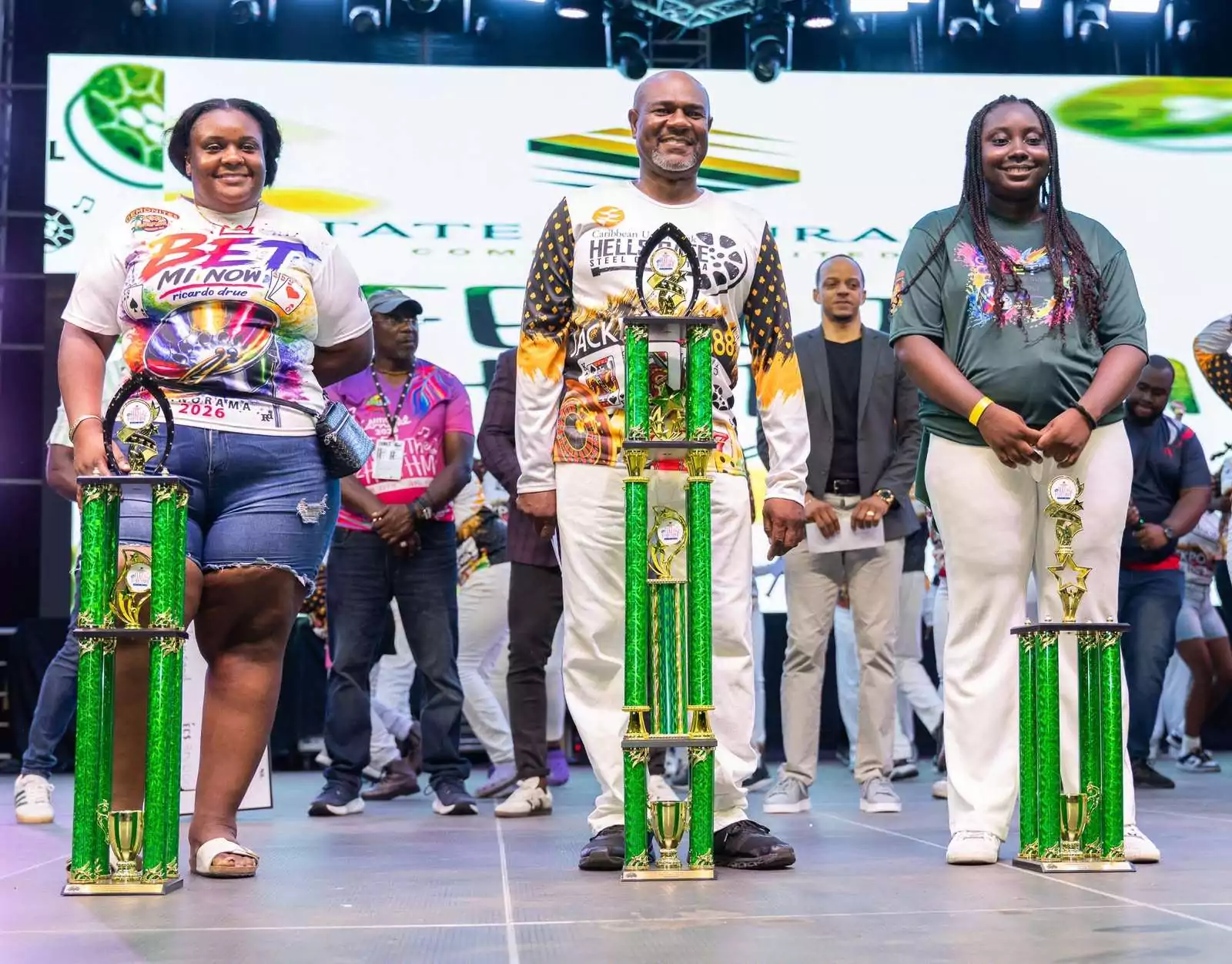
CUB Hells Gate Crowned 2026 Panorama Champions After Electrifying Carnival Showdown
By Cory Wayland
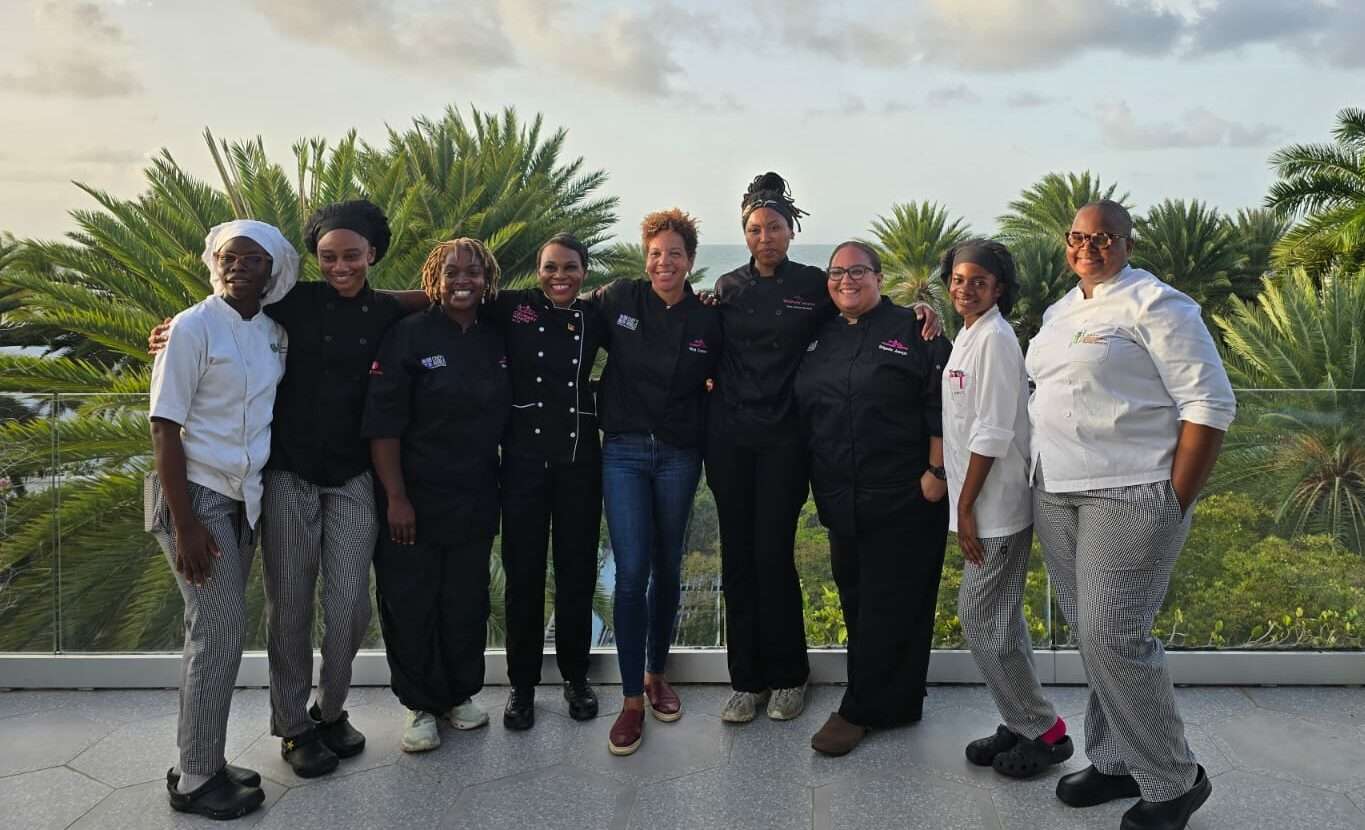
Five Female Chefs Wow Diners With Multi-Course Dinner at Hodges Bay Resort
By Shermain Bique-Charles
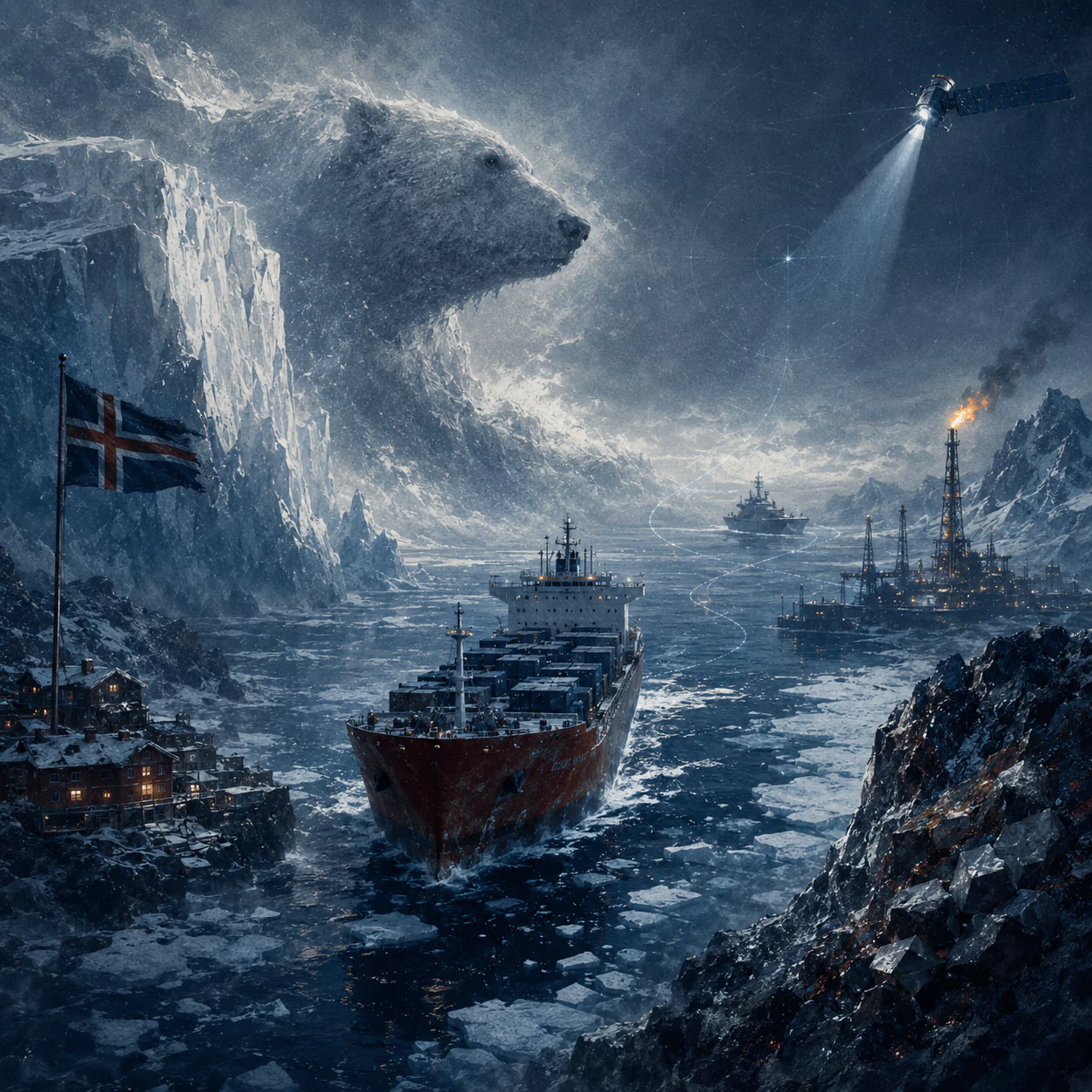
North Europe and the Arctic 2026: The Race for Power, Resources and New Trade Routes
By Dario Item
Comments
Be the first to comment.