
Government stands firm on Last-Minute ABST relief for back-to-school season

By Zaya Williams
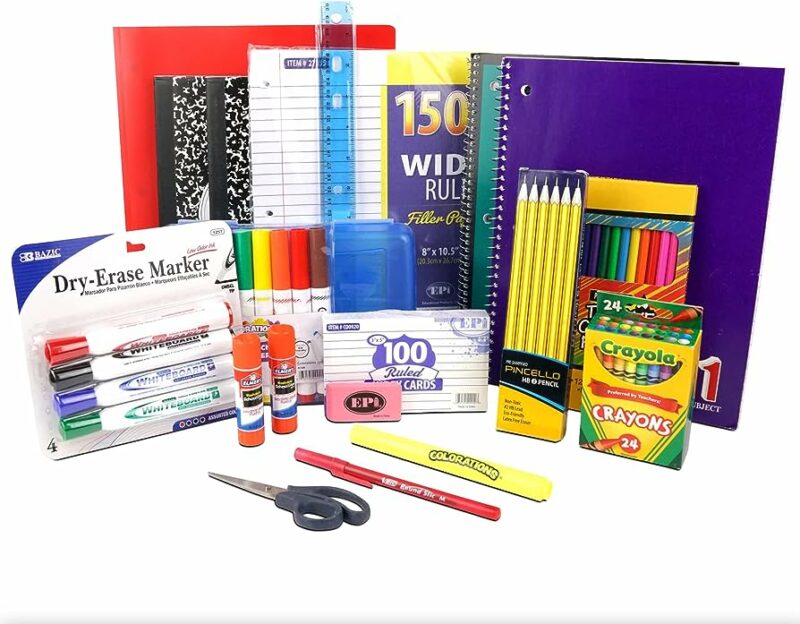
Despite facing public criticism, the government remains resolute in its decision to offer Antigua and Barbuda Sales Tax (ABST) relief for back-to-school expenses at the eleventh hour, dismissing critics as mere nitpickers.
The government’s move to grant a waiver on ABST for back-to-school items, just days before schools are scheduled to reopen, has drawn considerable public scrutiny. Many have expressed concerns that the timing is less than ideal.
In response to these criticisms, Information Minister Melford Nicholas defended the government’s stance. He stated, ” “If there were parents who because of their own financial position were able to get their back-to-school supplies earlier than this time then that’s their good fortune but for the vast majority of persons we know the parents and we think that the offer than we made is opportune.”
Damani Tabor, the Public Relations Officer for the United Progressive Party (UPP), shared his perspective on an Observer radio program, suggesting that the government’s decision may be viewed as a “trick where they trying to score political points while at the same time limiting the benefit to you the people by implementing this at the last minute when they done know you did most of your shopping already.”
Tabor proposed an alternative course of action for the government, advocating for an extension of ABST relief to include digital devices and all essential educational peripherals and devices. He also suggested extending the relief period by another week or offering some relief on non-academic back-to-school essentials like juice boxes and snacks, which could help alleviate financial pressures on parents.
However, Minister Nicholas expressed skepticism about the feasibility of these suggestions, leaving the government’s decision unchanged.
This story was first published by Antigua News on : antigua.news/2023/09/01/government-stands-firm-on-last-minute-abst-relief-for-back-to-school-season. © 2023 Antigua News. Republication without permission is not allowed.

About the author
The Editorial Staff refers to all reporters employed by Antigua.news. When an article is not an original creation of Antigua.news—such as when it is based on a press release, other media articles, letters to the editor, or court decisions—one of our staff members is responsible for overseeing its publication.
Read our editorial standards and corrections policy. Spotted an error? Contact the newsroom.
More from Antigua and Barbuda
View section
Browne Proposes Fishing Restriction to Let Peace Beach Reef Mature
Prime minister says newly installed artificial reef modules need time to develop and promises continued public beach access.
By Shermain Bique-Charles

Cleo Lemonious and Latoya Pilliner Charged Over Alleged EC$4,405 Clothing Theft
The accused are expected before the St. John’s Magistrate’s Court on Monday following alleged thefts at a store on Market and Redcliffe Streets.
By Shermain Bique-Charles

Jeffers: Employers Must Give Workers Reasons to Be Loyal
The management consultant says job security, fair treatment and investment in employees are essential to building lasting workplace commitment.
By Shermain Bique-Charles

Browne Celebrates Sister’s Graduation: ‘She Has Corrected That Now’
Prime minister says Blondell Browne’s achievement reflects the opportunities now available to adults who once ended their education at secondary school.
By Shermain Bique-Charles
Comments
Be the first to comment.