
Pringle suggests MP resignations for constituency spending.

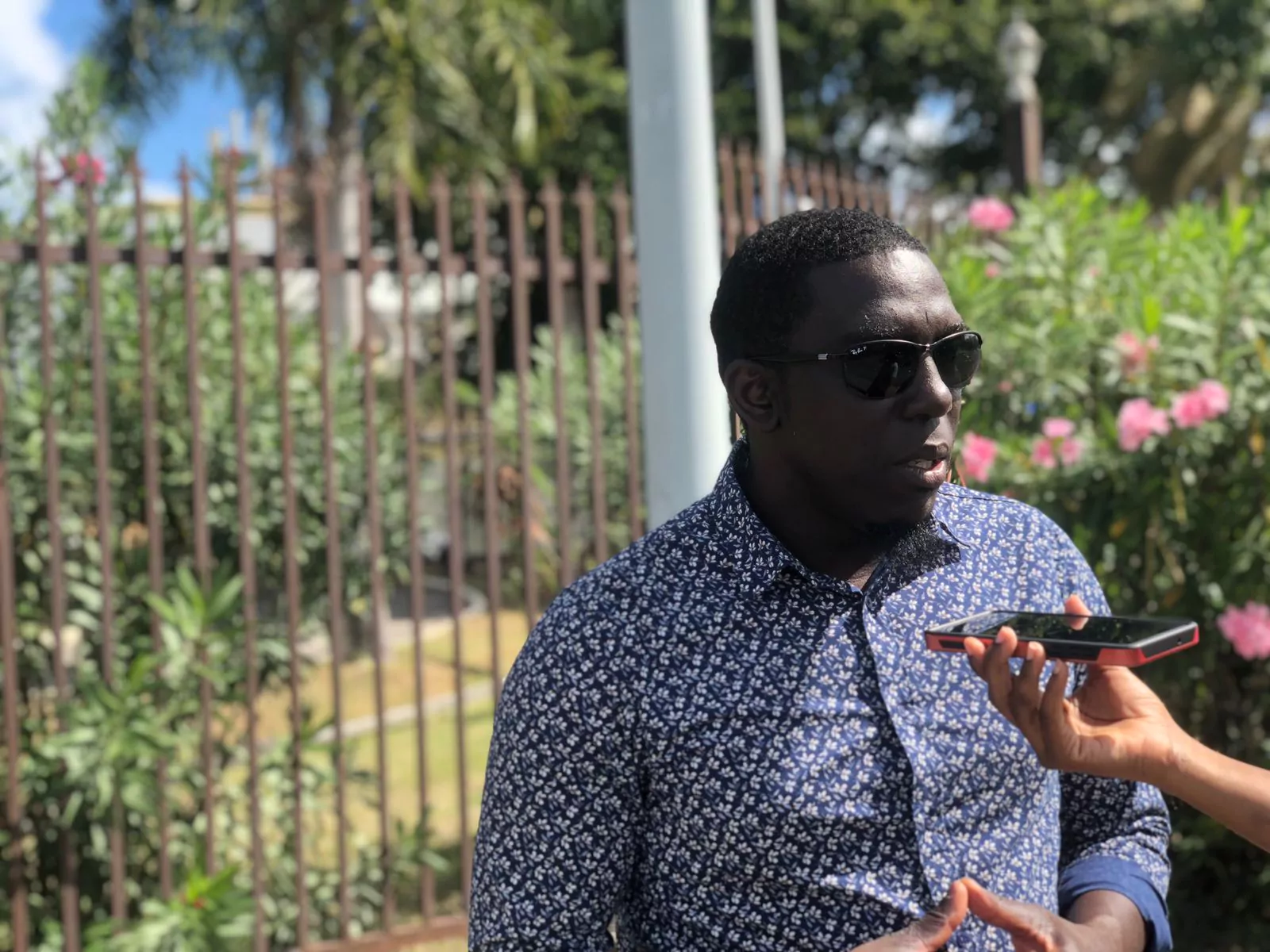
Opposition Leader Jamale Pringle has suggested that United Progressive Party MPs may consider a high-risk political strategy of increasing government spending in their constituencies.
Pringle stated that the Opposition had noted the recent heavy spending on projects in the St. Mary’s South area, where the Labour Party-led government was trying to boost the visibility of its candidate, Dwayne George, ahead of the October 24 by-election.
Pringle in an interview aired on local radio station Observer, claimed that UPP executives had discussed various neglected constituencies across Antigua and concluded that triggering by-elections could be a possibility.
Pringle revealed that the UPP had identified several constituencies where the government had neglected to address issues like fixing roads and providing other essential services, and triggering by-elections could be a way to draw attention to these issues.
He stated that UPP MPs were elected to serve the people, and they will do whatever it takes to give them the representation they deserve.
Pringle referenced his own constituency, saying that the government had neglected it since coming to power in 2014, and that the situation had worsened since then.
He criticized the government for behaving like the funds were theirs, while the people living in those areas did not contribute to the tax regime in the country.
Simon’s resignation as St. Mary’s South MP came amid an election petition questioning his eligibility.
Simon said he would rather constituents determine their political representative, not the courts.
Pringle said the UPP would assess various constituencies to determine which ones are affected the worst and initiate a resignation policy there.
This story was first published by Antigua News on : antigua.news/2023/10/11/pringle-suggests-mp-resignations-for-constituency-spending. © 2023 Antigua News. Republication without permission is not allowed.

About the author
The Editorial Staff refers to all reporters employed by Antigua.news. When an article is not an original creation of Antigua.news—such as when it is based on a press release, other media articles, letters to the editor, or court decisions—one of our staff members is responsible for overseeing its publication.
Read our editorial standards and corrections policy. Spotted an error? Contact the newsroom.
More from Antigua and Barbuda
View section
Cleo Lemonious and Latoya Pilliner Charged Over Alleged EC$4,405 Clothing Theft
The accused are expected before the St. John’s Magistrate’s Court on Monday following alleged thefts at a store on Market and Redcliffe Streets.
By Shermain Bique-Charles

Jeffers: Employers Must Give Workers Reasons to Be Loyal
The management consultant says job security, fair treatment and investment in employees are essential to building lasting workplace commitment.
By Shermain Bique-Charles

Browne Celebrates Sister’s Graduation: ‘She Has Corrected That Now’
Prime minister says Blondell Browne’s achievement reflects the opportunities now available to adults who once ended their education at secondary school.
By Shermain Bique-Charles

PM Browne Sees 5,000 Students at Five Islands as Major Expansion Advances
Prime minister says campus construction could begin by early 2027 and predicts the development will attract students from across the region.
By Shermain Bique-Charles
Comments (1)
Anonymous October 11, 2023, 7:56 AM