
Airport taxi operators to meet Cabinet to resolve impasse


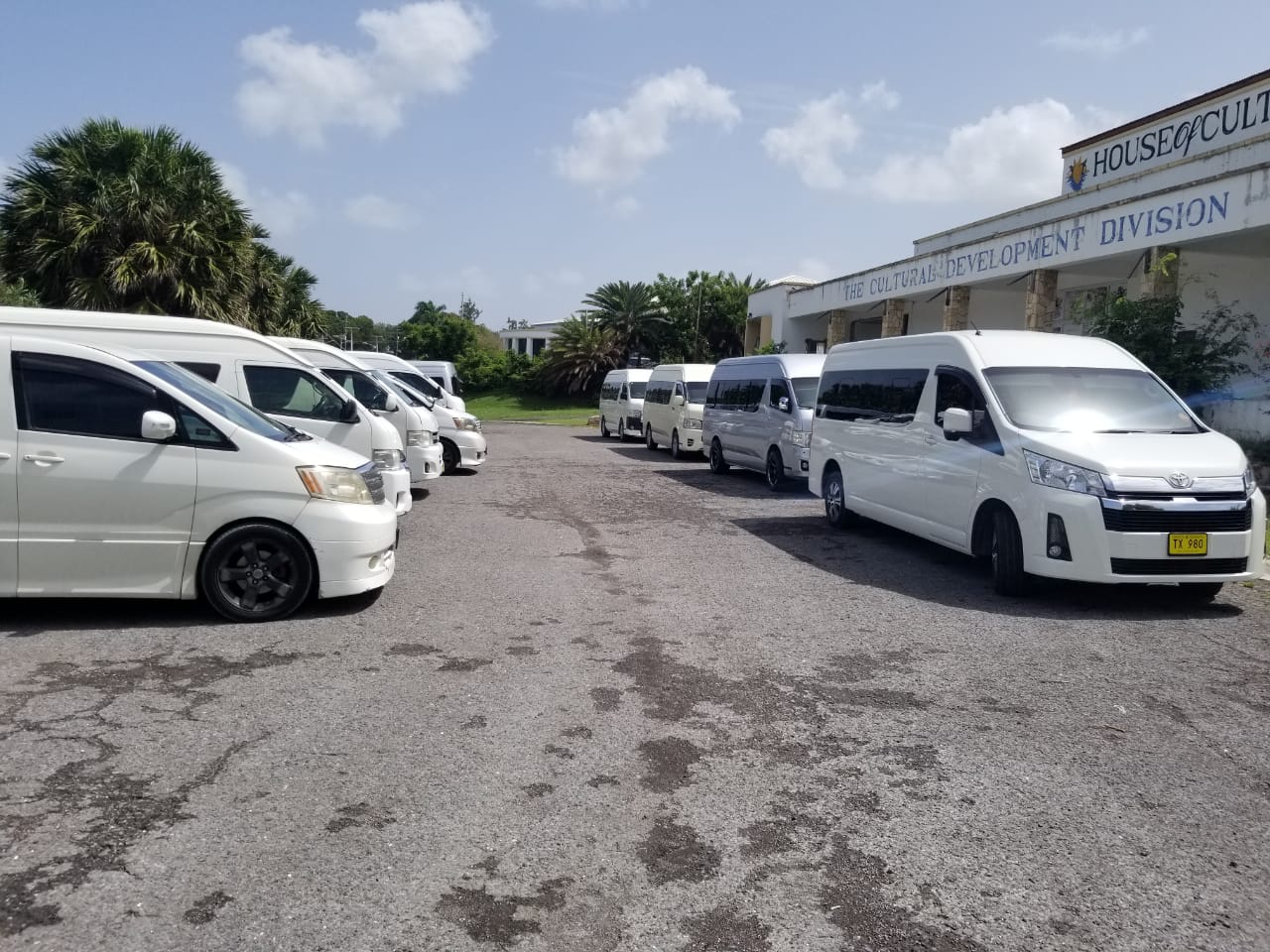
Thanks to the intervention of Tourism Minister Charles Fernandez, the ongoing impasse between members of the United Taxi Company and its executive may soon be resolved.
On Monday, taxi operators who are authorized to work at V.C. Bird International Airport took their grievances to the Ministry of Tourism’s Headquarters.
They claim that they were being frustrated by the former executive, who refused to accept the new executive’s results.
After they had exhausted all forms for redress, the taxi operators took the issue to Fernandez, demanding a solution before they took protest action
Fernandez met with the operators, who invited them to this week’s Cabinet meeting, to discuss the matter further and find a solution.

Ian Joseph, the newly re-installed President of the United Taxi Company, expressed optimism about the development.
They believe that the Cabinet meeting will help resolve the matter and are hopeful that the ongoing dispute between the current executive and the previous governing body will be settled.
Meanwhile, Rachel Joyce, a long-time taxi operator at the airport, commented on the unusual nature of the situation.
“In my 25 years working at the airport, I’ve never seen anything like this,” she said.
“They hijacked the association. In other places around the world, even in other associations, people tell us this could never happen. They’re wondering how we let this kind of foolishness happen,” she said
Fernandez said the matter should be resolved before SIDS4 gets underway. He reaffirmed that taxi operators play a very important role in the Ministry of Tourism
This story was first published by Antigua News on April 22, 2024: antigua.news/2024/04/22/airport-taxi-operators-to-meet-cabinet-to-resolve-impasse. © 2024 Antigua News. Republication without permission is not allowed.

About the author
The Editorial Staff refers to all reporters employed by Antigua.news. When an article is not an original creation of Antigua.news—such as when it is based on a press release, other media articles, letters to the editor, or court decisions—one of our staff members is responsible for overseeing its publication.
Read our editorial standards and corrections policy. Spotted an error? Contact the newsroom.
More from Antigua and Barbuda
View section
Honorary Consul of Antigua and Barbuda Marco Garavaglia Meets President Sergio Mattarella
By Editorial Staff

Antigua and Barbuda Ranked Seventh in Condé Nast Traveler’s Regional Island Awards
Readers place the twin-island destination among their favourites in the Caribbean and Atlantic in the 2026 Readers’ Choice Awards.
By Shermain Bique-Charles

Electric Vehicle Fleet En Route to Antigua for CHOGM Under Octopus Energy Partnership
Vehicles will transport Commonwealth leaders and delegates, marking the first practical delivery under the country’s clean-energy agreement.
By Shermain Bique-Charles

BREAKING:Fernandez Elected CTO Chairman as Antigua and Barbuda Returns to Regional Tourism Leadership
Antigua and Barbuda takes the chairmanship for the first time in more than 15 years, with connectivity, climate resilience and leadership opportunities among Fernandez’s priorities
By Shermain Bique-Charles
Comments
Be the first to comment.