
Cabinet discusses criminal activities with law-enforcement officials

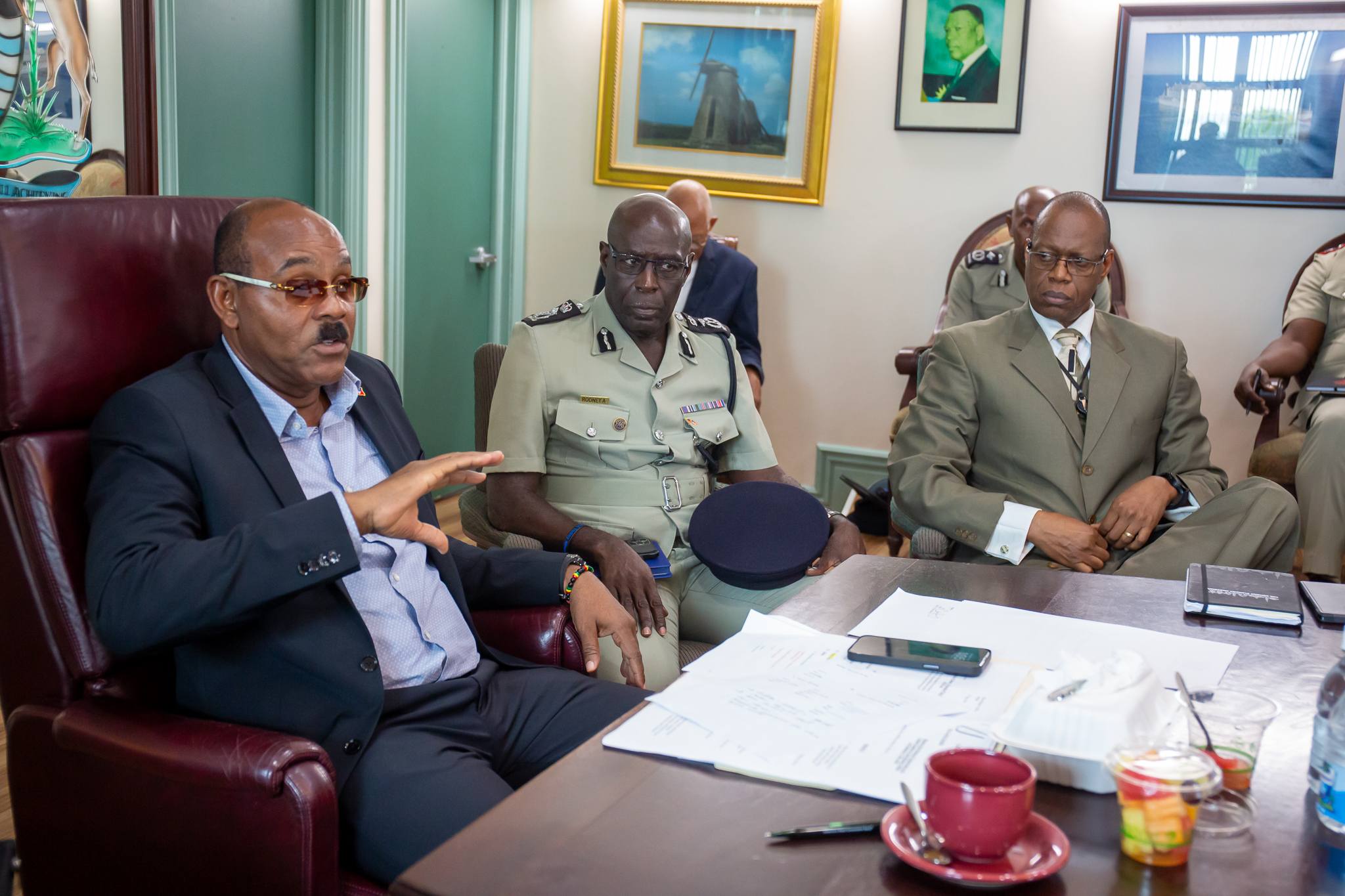
17 high-level officials were invited to Cabinet to discuss the pressing issue of rising crime rates in Antigua and Barbuda.
Among the officials were the heads of the Royal Police Force, the Antigua and Barbuda Defence Force, the Organization of National Drug Control and Money Laundering Policy (ONDCP), the Fire Department, and an IT Specialist working with law enforcement.
The primary focus of the meeting was on the alarming increase in robberies and other violent crimes that involved the use of firearms, particularly by young males.
The Prime Minister made it clear that the Cabinet fully supported law enforcement and that resources from the Treasury were available to help combat these crimes.

The Police Commissioner explained that while there may not be statistics for crimes prevented, the Police and Military’s patrolling and “Stop-and-Search” initiatives have been effective in deterring potential criminals.
However, the police also noted that young individuals are becoming increasingly involved in these crimes and are targeting easier victims to rob.
To devise the best strategy to combat this issue, the Cabinet agreed that detailed data analysis was necessary.
Collaboration between the Antigua and Barbuda Transport Board and the Police to provide the names of vehicle owners is being ensured.
The government has taken security measures to ensure that the upcoming SIDS4 conference, ICC T20 World Cup, and Carnival 2024 are safe and secure events.
The IT Specialist assured the Cabinet that public cameras are functioning efficiently.
The monitors will show real-time images of any events taking place on the ground, enabling law enforcement to respond quickly to any incidents.
This story was first published by Antigua News on May 9, 2024: antigua.news/2024/05/09/cabinet-discusses-criminal-activities-with-law-enforcement-officials. © 2024 Antigua News. Republication without permission is not allowed.

About the author
The Editorial Staff refers to all reporters employed by Antigua.news. When an article is not an original creation of Antigua.news—such as when it is based on a press release, other media articles, letters to the editor, or court decisions—one of our staff members is responsible for overseeing its publication.
Read our editorial standards and corrections policy. Spotted an error? Contact the newsroom.
More from Antigua and Barbuda
View section
‘They Can’t Dictate That’: Freeland Rejects Player Pressure Over National Coach
Freeland defends the coaching staff and says players should demonstrate their value through training and performance.
By Shermain Bique-Charles

Search Ends as All Four Juveniles Who Escaped Bolans Police Station Return to Police Custody
Police apprehended three of the juveniles during a search operation in Liberta on Thursday morning, less than a day after the fourth surrendered to authorities.
By Cory Wayland

Farmers Given 90 Days to Plant as Government Launches 102-Acre Land-Clearing Programme
Antigua launches a 102-acre agricultural land-clearing programme requiring beneficiaries to establish viable crops within 90 days of land preparation.
By Cory Wayland

Freeland Blames Poor Player Commitment for Antigua and Barbuda’s Basketball Withdrawal
Basketball president acknowledges unpaid stipends but says repeated low practice attendance drove the decision to withdraw.
By Shermain Bique-Charles
Comments
Be the first to comment.