
Consultations begin on project to install emergency sirens on island

PRESS RELEASE
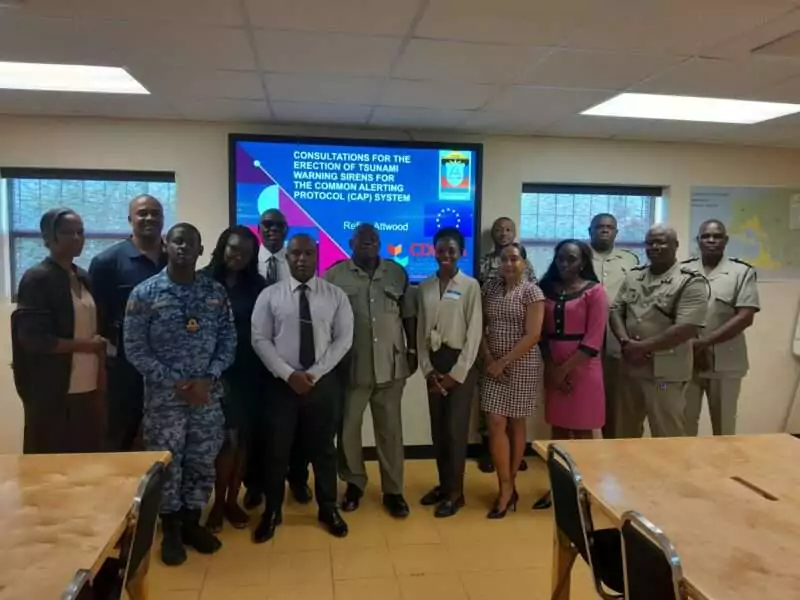
The National Office of Disaster Services (NODS) has begun consulting with key stakeholders on a project to install emergency sirens in strategic locations around the island as an expansion to the official notification system the Common Alerting Protocol (CAP).
Local Consultant on the project Refica Attwood held the first of a series of consultations yesterday (Wednesday) morning at the NODS headquarters with representatives from the police and defence forces, the fire department, telecoms providers and the department of gender affairs.
Attwood says the consultations will gather knowledge from the technical and telecoms sector in determining how the sirens will work once erected. Matters being discussed include measures to address possible risks, the creation of a training plan for all stakeholders
involved and a draft standard operating procedure.
The establishment of the sirens follows the introduction of radio and television interrupters in several media houses namely ABS Radio and Television, Observer Radio, Zoom Radio and Radio Lighthouse.

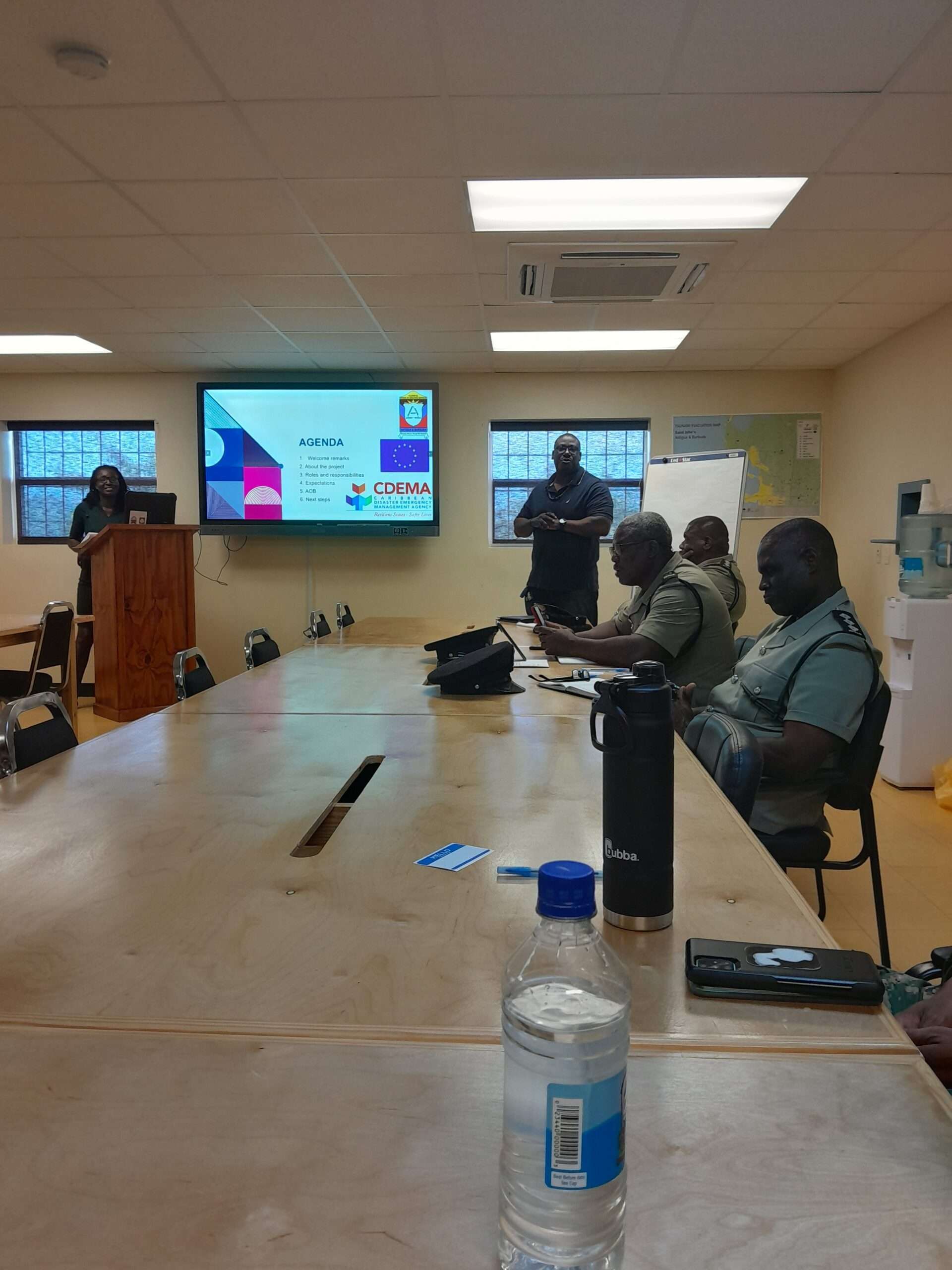
Director of NODS Sherrod James says meeting with the stakeholders is important. “You representing your agencies have very vital input for us in determining how this is rolled out, to look at where we need to be, what type of sirens, how we interact and how do we get public
participation on a whole in this process”, said James.
A second consultation will take place next week, Wednesday June 19, with another group of
individuals. The consultative process, which is the first phase of the project, should be completed
by October.
The consultations are funded by the European Development Fund (EDF) project entitled “Building the resilience of the CARIFORUM states to Disaster Risks and Climage Change Impacts” (BRICS), through support from the Caribbean Disaster Emergency Management
Agency (CDEMA).
This story was first published by Antigua News on : antigua.news/2024/06/13/consultations-begin-on-project-to-install-emergency-sirens-on-island. © 2024 Antigua News. Republication without permission is not allowed.

About the author
The Editorial Staff refers to all reporters employed by Antigua.news. When an article is not an original creation of Antigua.news—such as when it is based on a press release, other media articles, letters to the editor, or court decisions—one of our staff members is responsible for overseeing its publication.
Read our editorial standards and corrections policy. Spotted an error? Contact the newsroom.
More from Antigua and Barbuda
View section
HIGH SCHOOL STUDENTS CONTINUE TO BENEFIT FROM SANDALS FOUNDATION’S CARE FOR KIDS SCHOLARSHIP PROGRAMME
Kyrah Edwards and Erwin Christopher receive third annual scholarship payments, supporting their education while encouraging community service.
By Shermain Bique-Charles

Chinese Embassy Welcomes Caribbean Youth Parliamentarians for Cultural Exchange
Ambassador Jiang Wei calls for greater understanding through dialogue, while House Speaker Osbert Frederick praises the young leaders.
By Shermain Bique-Charles

LETTER: A Safe Reunion Should Not End Questions About a Child’s Welfare
Delores Harris calls for greater accountability and child protection measures following the safe reunion of a young child found wandering alone.
By Editorial Staff

Browne Demands Climate Finance and Action to Protect Small Island States
Speaking in Australia, the Prime Minister urged major emitters and financial institutions to turn climate commitments into practical support for vulnerable nations.
By Shermain Bique-Charles
Comments
Be the first to comment.