
Nearly 100 Tourism Trade Officials Take Part in Showcase 2024

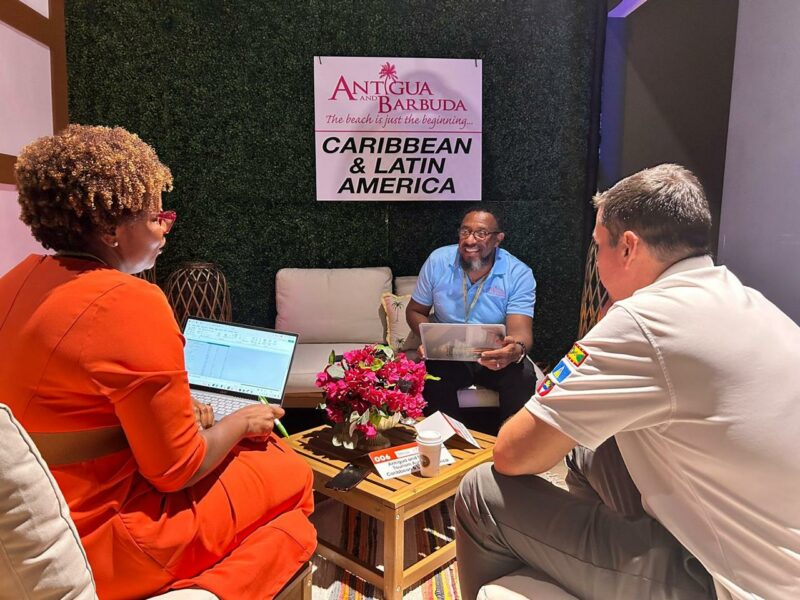
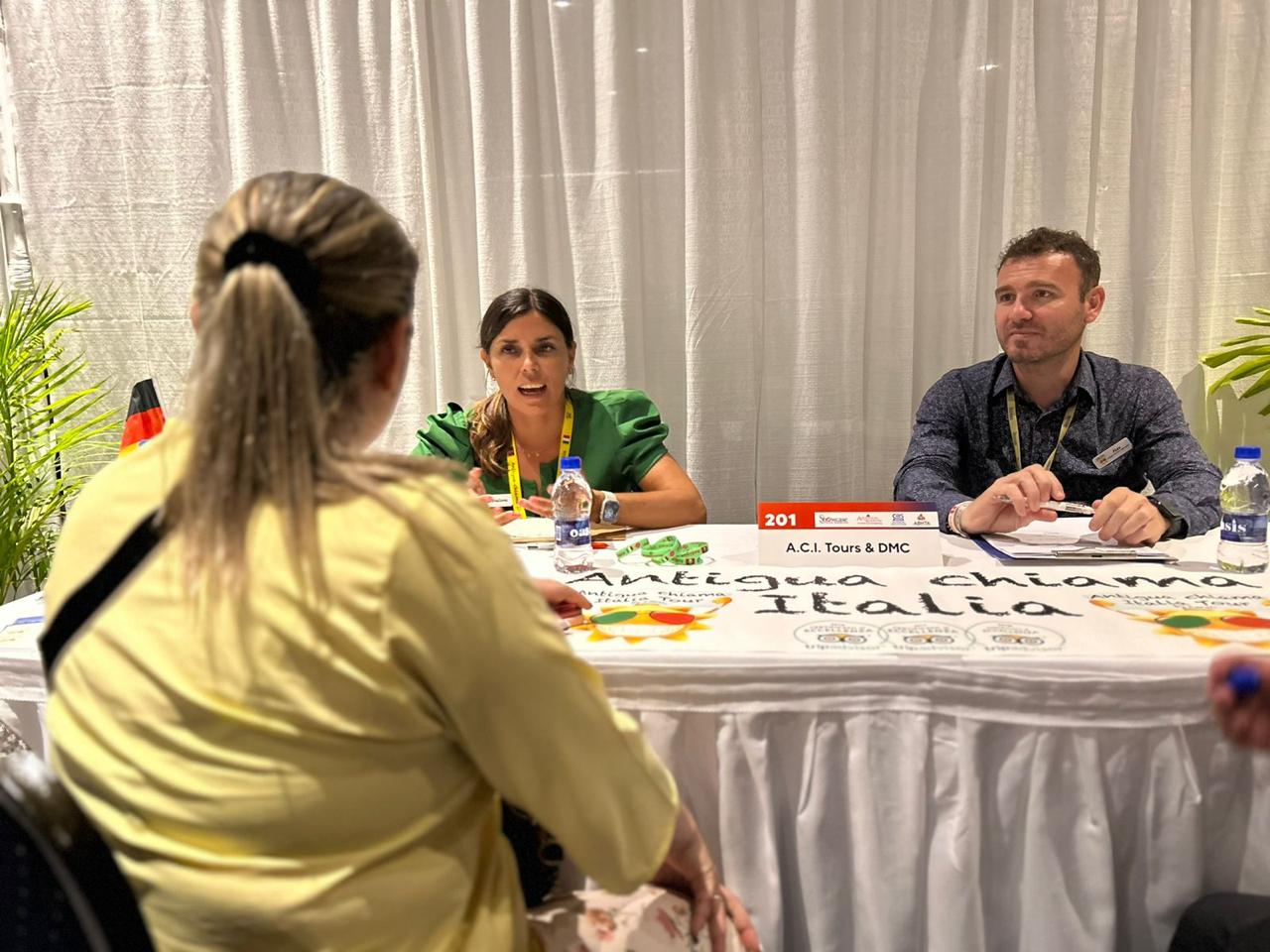
The highly anticipated annual event, Showcase 2024, took place in Antigua, drawing in many travel trade representatives and local suppliers.
This year marks the 8th edition of the event, which serves as a pivotal marketplace for buyers and sellers in the tourism trade.
According to Colin James, the Chief Executive Officer of the Antigua and Barbuda Tourism Authority (ABTA), Showcase continues to flourish and expand.
He expressed gratitude to the travel advisors and tour representatives for their unwavering commitment to promoting Antigua and Barbuda as a prime tourism destination, emphasizing their significant impact on the industry.

James further highlighted the remarkable progress made in 2024, with a notable 7% increase in tourism compared to the previous peak year of 2019.

The goal to surpass 300,000 arrivals by year’s end is well within reach, thanks to the collective efforts of all involved.

Additionally, Craig Marshall, Chairman of the Antigua and Barbuda Hotels and Tourism Association, warmly welcomed the travel trade representatives to the country and conveyed excitement for the array of opportunities that lay ahead.
With a total of thirty-five exhibitors and forty travel partners from various regions such as the UK, Europe, Canada, the United States, the Caribbean, and Latin America, this year’s Showcase promises to be an engaging and enriching experience for all participants.
The event kicked off with an opening ceremony at Veranda Resort, graced by the presence of Sir Robert Barrett.

As the event progresses, business sessions will unfold in intimate meetings between buyers and sellers at the Royalton Resort.
The itinerary also includes a visit to Barbuda, offering participants a comprehensive and immersive experience in the dynamic tourism landscape of Antigua and Barbuda.
This story was first published by Antigua News on June 25, 2024: antigua.news/2024/06/25/nearly-100-tourism-trade-officials-take-part-in-showcase-2024-2. © 2024 Antigua News. Republication without permission is not allowed.

About the author
The Editorial Staff refers to all reporters employed by Antigua.news. When an article is not an original creation of Antigua.news—such as when it is based on a press release, other media articles, letters to the editor, or court decisions—one of our staff members is responsible for overseeing its publication.
Read our editorial standards and corrections policy. Spotted an error? Contact the newsroom.
More from Tourism
View section
Freeland Congratulates Fernandez on Election as CTO Chairman
Minister of State pledges support for Fernandez’s regional tourism leadership and welcomes his focus on women, youth and connectivity.
By Shermain Bique-Charles

Antigua has 365 beaches. Can it make AI’s shortlist?
As travellers ask chatbots to find their ideal holiday, Antigua and Barbuda faces a new challenge: being recommended before anyone thinks to search for it.
By Dario Item
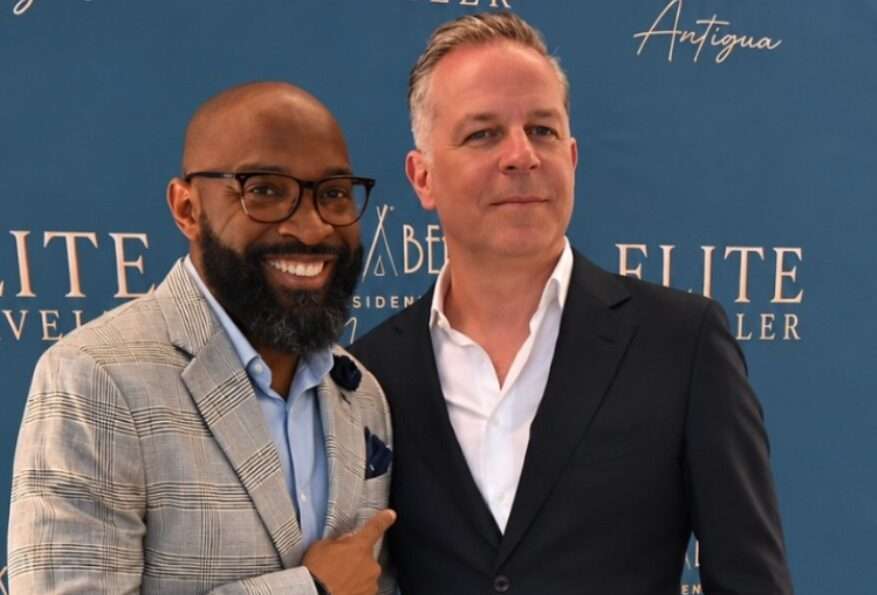
Nikki Beach Antigua Makes Waves in Monaco as Freeland and Sales Team Meet 30 Potential Buyers
By Shermain Bique-Charles
Freeland Heads to Monaco to Promote Antigua and Barbuda’s Yachting Sector
By Editorial Staff
Comments
Be the first to comment.