
Antigua and Barbuda team to extend state in Hurricane ravaged islands


The contingent of officers from the Antigua and Barbuda Defence Force (ABDF) and the Royal Police Force of Antigua and Barbuda, who are assisting in humanitarian aid for regional territories affected by Hurricane Beryl, will have to extend their stay by two weeks.
The team is providing support to St. Vincent and the Grenadines and Grenada as part of a Regional Security Systems (RSS) effort.
Defence Force Chief of Staff Colonel Telbert Benjamin told state media on Monday night that the initial deployment was for two weeks, but the situation on the ground warrants an extension of that time frame.
“There is a possibility that the contingent will remain in place for at least a month. That, however, is a rough estimate, and it will be based on whatever happens. If materials arrive and the work progresses smoothly, and the locals are able to take charge, then the team will leave sooner,” Benjamin said.

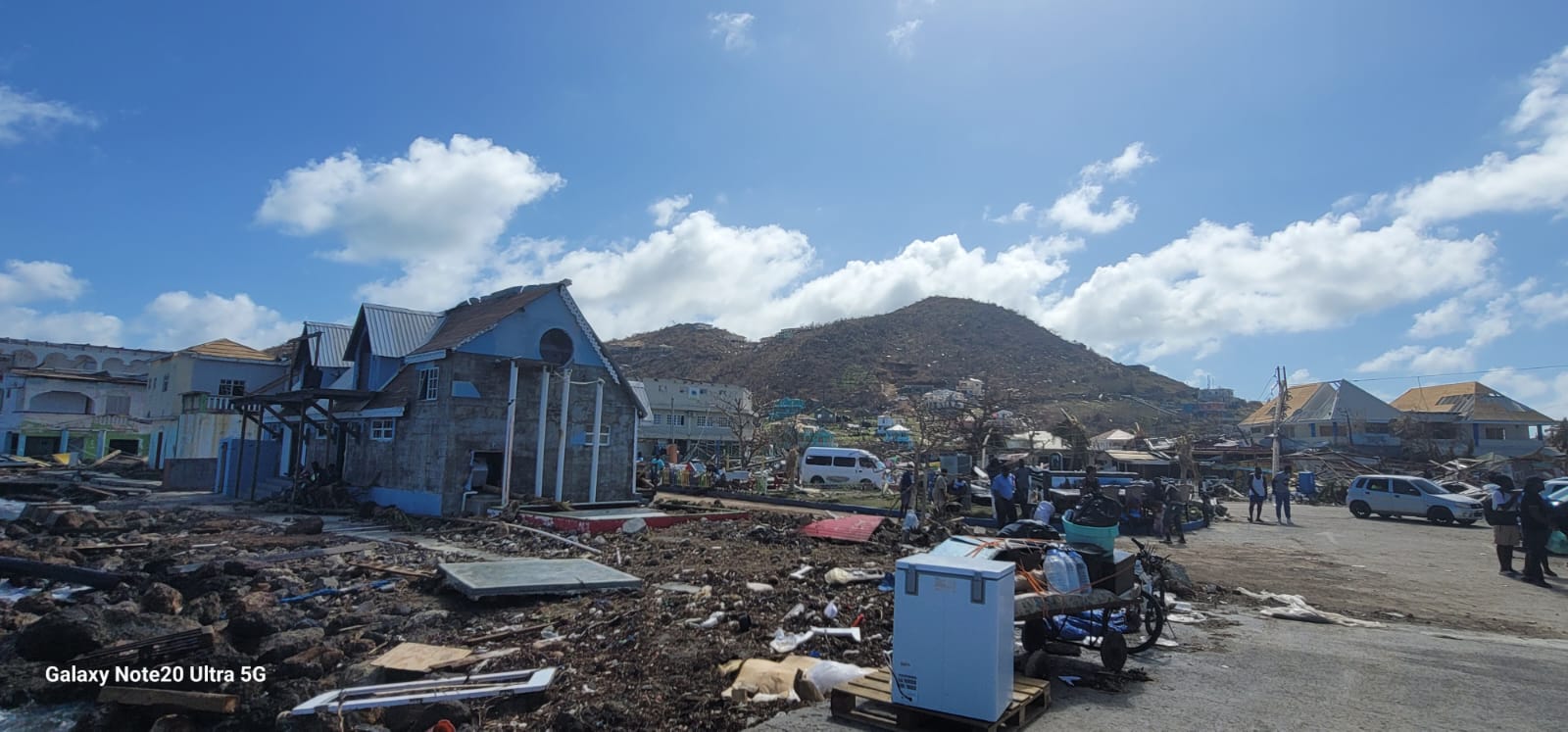
Since its deployment, the team has been evaluating damage and distributing essential supplies, including drinking water, to assist those in need.
The contingent in St. Vincent and the Grenadines is being led by Lieutenant Commander Dorian Davis.
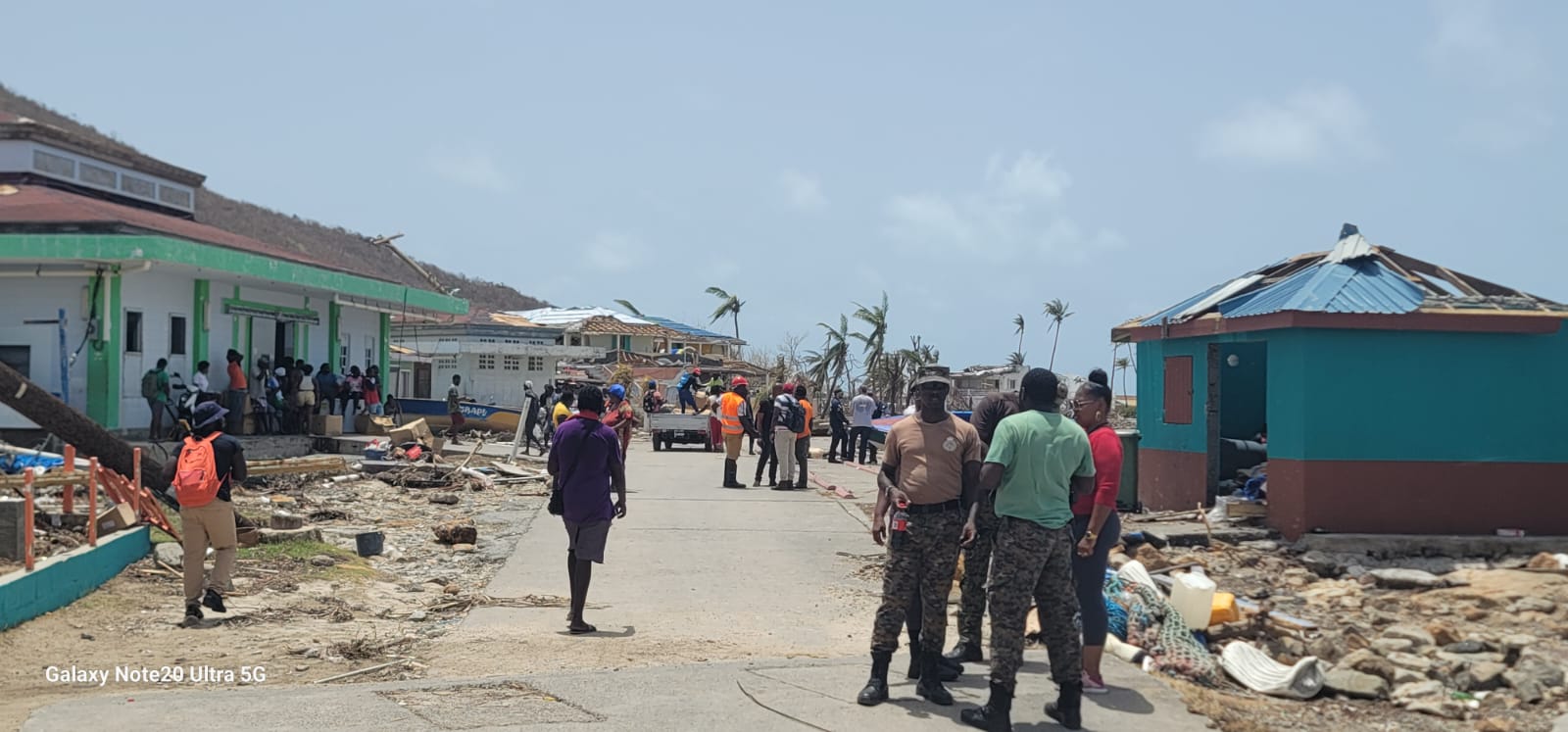
“They are presently located on Union Island, staying in the terminal building at the airport, and traveling within the islands of the Grenadines to conduct assessments and support resource distribution,” he said.
The second team of officers is in Petite Martinique.
“That team is providing security assessments for the RSS in Grenada, led by Lieutenant Jacobs. This contingent is made up of personnel from Antigua and Barbuda, as well as Barbados, supporting efforts in Grenada,” Benjamin said.
This story was first published by Antigua News on July 9, 2024: antigua.news/2024/07/09/antigua-and-barbuda-team-to-extend-state-in-hurricane-ravaged-islands. © 2024 Antigua News. Republication without permission is not allowed.

About the author
The Editorial Staff refers to all reporters employed by Antigua.news. When an article is not an original creation of Antigua.news—such as when it is based on a press release, other media articles, letters to the editor, or court decisions—one of our staff members is responsible for overseeing its publication.
Read our editorial standards and corrections policy. Spotted an error? Contact the newsroom.
More from Antigua and Barbuda
View section
Hundreds Caught In Miles-Long Gas Lines As Dealers Protest Increased Margins
Motorists are scrambling for fuel as leading service stations shut their pumps for the second time in weeks, while WIOC’s Friars Hill station reportedly remains the only WIOC location still dispensing gasoline.
By Cory Wayland

Four-Country CARICOM Free Movement Scheme Reports 939 Processed as Antigua Maintains Separate Conditions for TCN Transfers
Antigua and Barbuda remains outside the four-country scheme, while proposing strict limits and safeguards for temporary transfers of third-country nationals from the US.
By Shermain Bique-Charles

Elderly Man Found Dead Inside Ovals Home
Police are investigating after an elderly man was discovered unresponsive at his home in Ovals on Wednesday morning, with no indication of foul play at this stage.
By Cory Wayland

WATCH: Taxi Operators Call for Proper Policing as Minister Freeland Reviews Concerns in St. John’s
Taxi association representatives say vehicles occupying designated spaces and soliciting cruise passengers are affecting operations around Heritage Quay.
By Shermain Bique-Charles
Comments
Be the first to comment.