
Culverts in St John’s Now Properly Secured

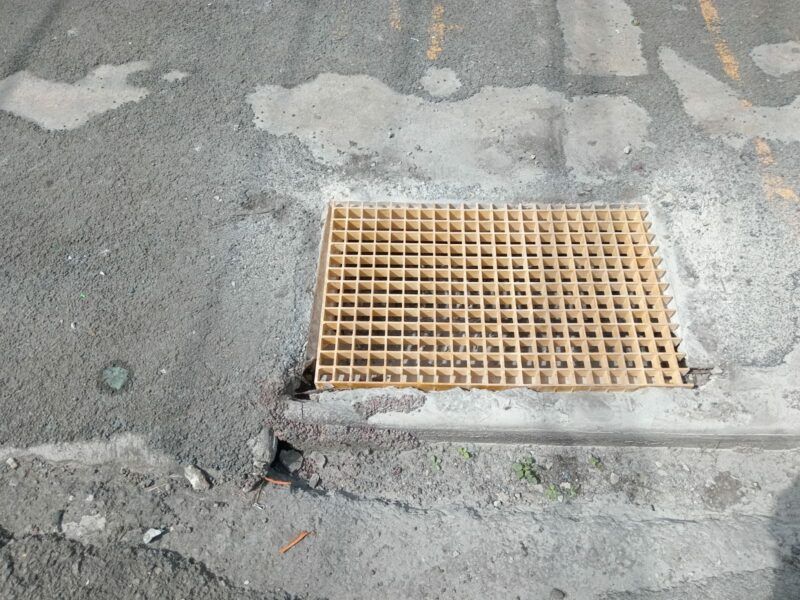
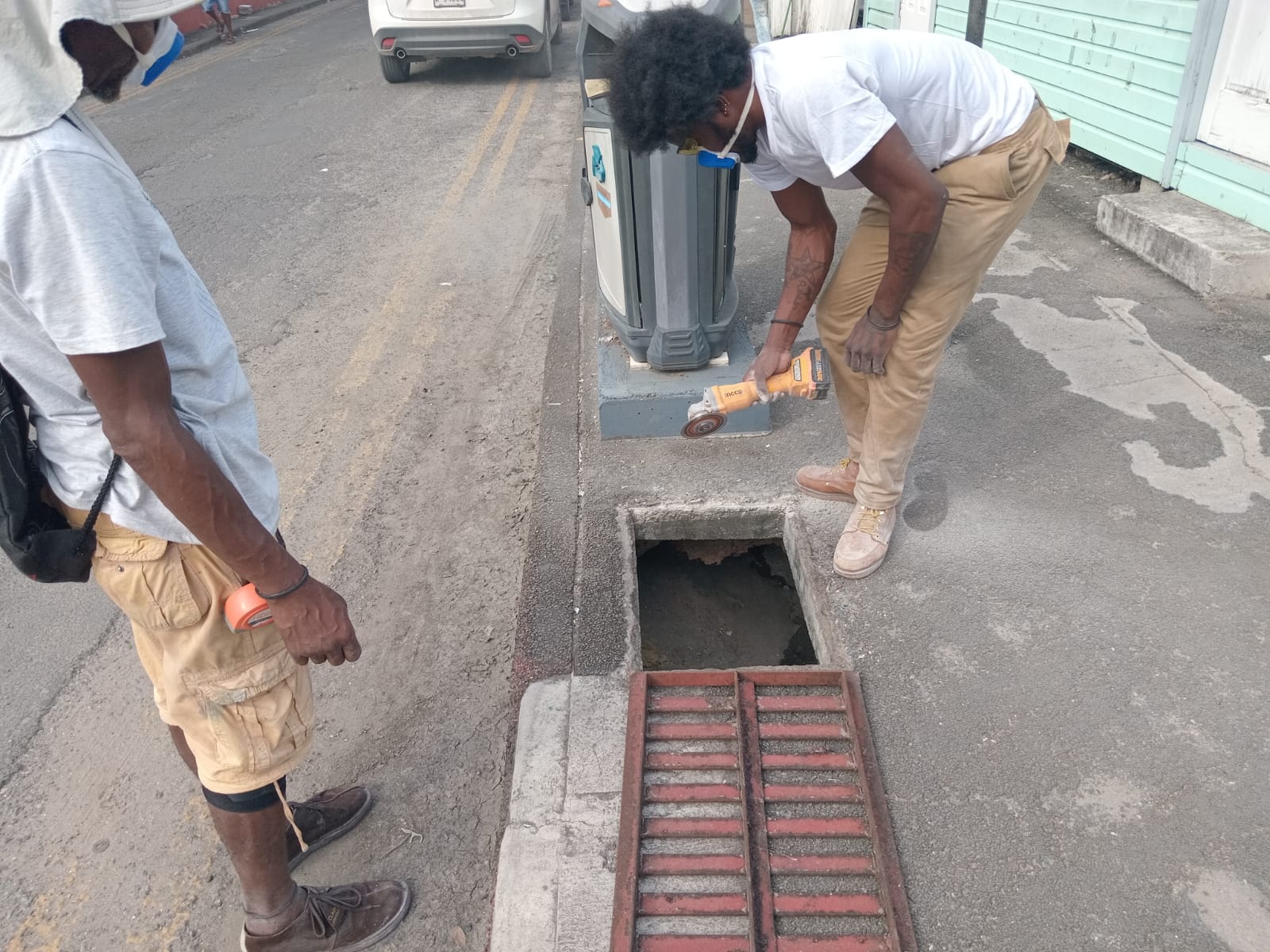
The government has taken note of the concerns raised by residents navigating the streets of St. John’s, particularly regarding the hazards presented by uncovered culverts.
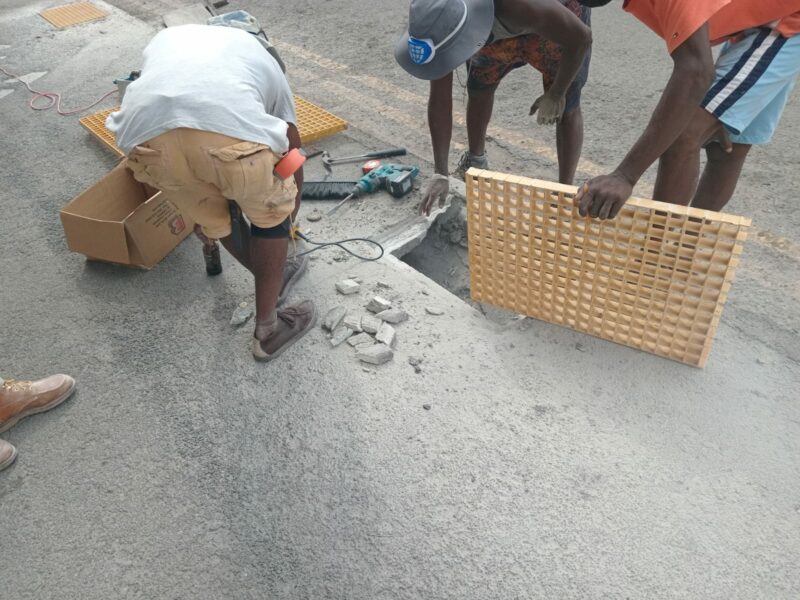
Over the weekend, the Public Works Department took decisive action to address these safety issues by properly securing the culverts with grills, greatly enhancing pedestrian safety and easing the worries of those who use the sidewalks.

This story was first published by Antigua News on : antigua.news/2024/11/17/culverts-in-st-johns-now-properly-secured. © 2024 Antigua News. Republication without permission is not allowed.

About the author
The Editorial Staff refers to all reporters employed by Antigua.news. When an article is not an original creation of Antigua.news—such as when it is based on a press release, other media articles, letters to the editor, or court decisions—one of our staff members is responsible for overseeing its publication.
Read our editorial standards and corrections policy. Spotted an error? Contact the newsroom.
More from Antigua and Barbuda
View section
Police Seek Public Assistance in Locating Family of Child Found Alone on Belmont Main Road
Authorities are appealing to the public for urgent assistance in identifying the child and locating her parents or guardians.
By Cory Wayland

Outrage in All Saints After Police Accused of Shooting Two Chained Dogs During Search
Calls for an immediate investigation intensify after allegations that police shot two restrained dogs, killing one and leaving the other with an eye injury.
By Cory Wayland

Cabinet Appoints Kem Hodge to Manage Pelican Court as Strict Rules Target Drugs and Noise
New management structure will oversee maintenance, enforce residential standards and help maintain a safe living environment at the Chinese-funded housing development.
By Cory Wayland

Foreign Troops to Join Increased Military Presence Across Antigua and Barbuda Ahead of CHOGM 2026
Defence Force alerts residents to heightened military activity, security exercises and possible movement restrictions as preparations intensify for the Commonwealth summit.
By Cory Wayland
Comments (3)
S November 17, 2024, 11:28 AM
anon rabbit November 17, 2024, 11:47 AM
please elaborate on this story.
Teacher for Life November 17, 2024, 12:38 PM