
Atlantic Hurricane Season begins today as NODS moves into full preparation mode

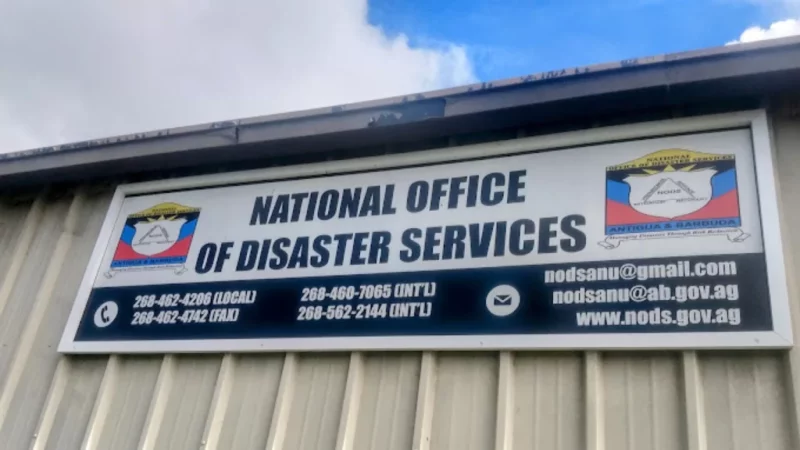
Today marks the official start of the Atlantic Hurricane Season and the National Office of Disaster Services (NODS) is holding a press conference this morning, as it gears up for the “near-normal” activities that experts are predicting
The Atlantic Hurricane Season runs from June 1 to November 30 each year – a time when tropical cyclones are most likely to form in the North Atlantic Ocean-although they form outside of that period as well.
NODS is expected to inform the public about its plans and protocols and to provide much-needed advice on how to stay safe during the season, according to the organization’s Public Relations Officer Midcie Francis.
“This year, we want to include a number of our partners. We have not had confirmation yet, but we’re hoping to have someone from the Met Office and also someone from the Antigua and Barbuda Chamber of Commerce…the Chamber consists of private sector businesses and we really want [the body] to join with us. We have invited a representative to speak on how prepared its members are for this year’s hurricane season.
“We’re hoping to really boost collaboration with the private sector and the Antigua and Barbuda Chamber of Commerce is willing to work with us in that regard”, she said.
The forecast for last year’s hurricane season was ‘above-average, however this year, they are predicting that there will be 12-17 named storms in total this hurricane season
Forecasters say five to nine of these could become hurricanes, and one to four of them could become major hurricanes.
NODS official press conference will be held at its American Road headquarters – scheduled to commence at 10 am

This story was first published by Antigua News on : antigua.news/2023/06/01/atlantic-hurricane-season-begins-today-as-nods-moves-into-full-preparation-mode. © 2023 Antigua News. Republication without permission is not allowed.

About the author
The Editorial Staff refers to all reporters employed by Antigua.news. When an article is not an original creation of Antigua.news—such as when it is based on a press release, other media articles, letters to the editor, or court decisions—one of our staff members is responsible for overseeing its publication.
Read our editorial standards and corrections policy. Spotted an error? Contact the newsroom.
More from Antigua and Barbuda
View section
Nicholas Leads APUA Delegation to Regional Water Conference
Discussions in Grenada focus on water security, climate resilience and sustainable utility services across the Caribbean.
By Shermain Bique-Charles

Antigua and Barbuda to Host Caribbean Tourism Conference in 2027
Regional tourism leaders will gather from October 4–8 as the destination prepares to host CTO’s flagship industry forum.
By Shermain Bique-Charles

National Health Insurance Could Become Reality by 2028 as Antigua and Barbuda Relaunches Universal Health Coverage Programme
Government advances plans for a National Health Insurance Programme aimed at making essential healthcare more accessible and affordable while reducing the financial burden on households.
By Cory Wayland

WATCH:Appeal for Information After Alleged Attempt to Snatch Necklace on All Saints Road
Circulating appeal says a man’s necklace broke and fell to the ground during the incident near the credit union.
By Shermain Bique-Charles
Comments
Be the first to comment.