
Dominica High Court deems punishment for homosexual acts unconstitutional.

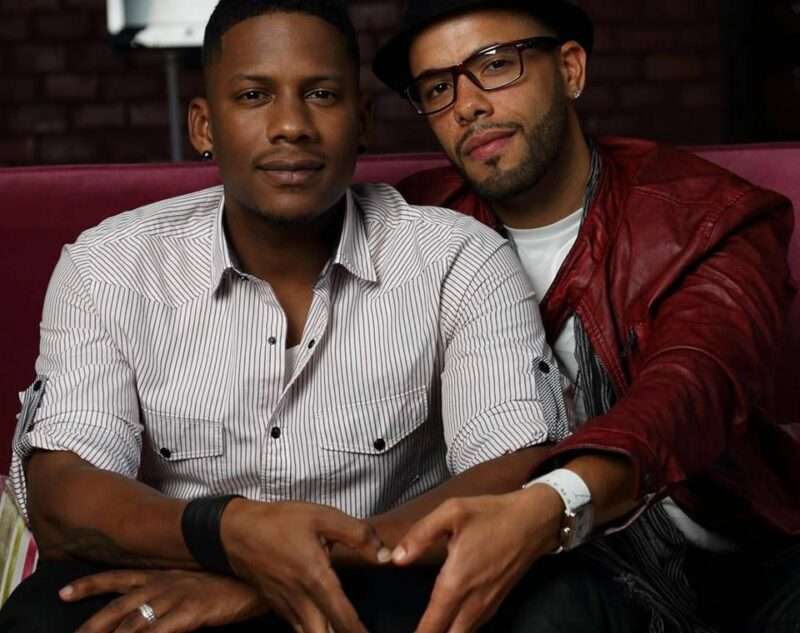
In a landmark ruling, the Dominica High Court has declared that sections 14 and 16 of the Sexual Offences Act, which criminalize homosexual sex, are unconstitutional.
The judgment was issued via Zoom and had significant implications for human rights and the role of religion in the country.
The case was first brought before the court in 2022 by a gay man who sought to have two sections of the Sexual Offences Act that criminalize consensual same-sex activities ruled unconstitutional.
The case was supported by (MiRiDom) and the HIV Legal Network, who worked alongside the claimant, who was not named due to risk to his safety, according to the claimants.
Under sections 14 and 16 of the SOA, sexual activity between consenting partners of the same sex was prohibited – offences that were first enacted in 1873, when Dominica was under British colonial rule.
The man who launched the claims stated that he had faced “discrimination, hostility, and horrific violence” in Dominica because he is gay.

The ruling effectively decriminalizes homosexual sex in the country, making it a member of the global community recognizing the rights of same-sex adults to engage in consensual sexual activities without fear of prosecution.
This decision marks a significant milestone in the movement towards greater acceptance and equality for the LGBT+ community in Dominica.
The judgement was made after a legal battle that pitted Cara Shillingford, who represented the Claimants, against the Attorney General’s Office, who represented the Defendant. Joelle Harris represented the Bishop of Roseau (Catholic Church) and the Anglican Church, while Joshua Francis represented the Dominica Association of Evangelical Churches as intervening parties.
This story was first published by Antigua News on : antigua.news/2024/04/22/dominica-high-court-deems-punishment-for-homosexual-acts-unconstitutional. © 2024 Antigua News. Republication without permission is not allowed.

About the author
The Editorial Staff refers to all reporters employed by Antigua.news. When an article is not an original creation of Antigua.news—such as when it is based on a press release, other media articles, letters to the editor, or court decisions—one of our staff members is responsible for overseeing its publication.
Read our editorial standards and corrections policy. Spotted an error? Contact the newsroom.
More from Caribbean
View section
VIDEO: Doctors at Dominica China Friendship Hospital Stage Protest Outside Medical Facility
Healthcare professionals at the Dominica China Friendship Hospital gather outside the medical facility in an apparent protest, raising concerns over issues yet to be officially confirmed.
By Cory Wayland

St. Kitts DPP Seeks Antigua’s Help in Outstanding Case Involving Former Resort Clerk
By Shermain Bique-Charles

Royal Caribbean in Talks to Buy Half of Sandals in Reported $3 Billion Deal
By Shermain Bique-Charles

Four Killed in Latest US Military Strike on Suspected Drug Vessel in Caribbean
By Shermain Bique-Charles
Comments
Be the first to comment.