
Antigua and Barbuda Concerned Over Cuba’s Inclusion on US List of State Sponsors of Terrorism

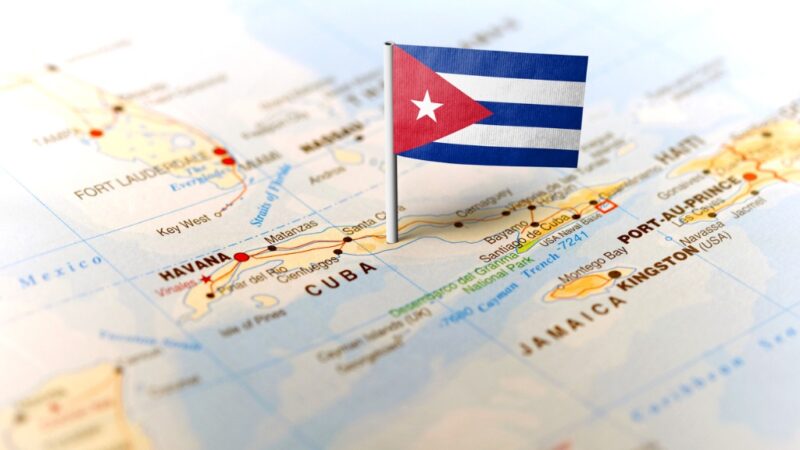
The Government of Antigua and Barbuda says it remains deeply concerned that the Republic of Cuba remains on the US State Department’s list of countries that have been deemed to be state sponsors of terrorism.
The Government further notes that keeping Cuba on the State Sponsors of Terrorism (SSOT) list continues to cause severe hardship and suffering to the Cuban people and calls on the United States Government to immediately remove Cuba from that list.
Additionally, Antigua and Barbuda is aware that the economic, commercial and financial embargo imposed against Cuba, which took effect in 1960, still remains in place, and continues to have an adverse effect on the economic and social development of Cuba, and particularly, on the Cuban people, in light of crippling challenges, such as rising global inflation, and increases in food and fuel prices,

Since 1992, the United Nations General Assembly (UNGA) has annually voted in favour of resolutions regarding the need to put an end to the economic, commercial and financial embargo imposed against Cuba, and notes that the most recent resolution put forward by the UNGA on 2 November 2023, titled the “Necessity of ending the economic, commercial and financial embargo imposed by the United States of America against Cuba,” achieved near-universal consensus, underscoring the international community’s firm opposition to the embargo.
It is against this background that Antigua and Barbuda urges that both the designation as a state sponsor of terrorism and the 62-year-old embargo be terminated as a matter of urgency so that relief can be brought to the harsh conditions under which the Cuban people have had to endure.
This story was first published by Antigua News on : antigua.news/2024/06/28/antigua-and-barbuda-concerned-over-cubas-inclusion-on-us-list-of-state-sponsors-of-terrorism. © 2024 Antigua News. Republication without permission is not allowed.

About the author
The Editorial Staff refers to all reporters employed by Antigua.news. When an article is not an original creation of Antigua.news—such as when it is based on a press release, other media articles, letters to the editor, or court decisions—one of our staff members is responsible for overseeing its publication.
Read our editorial standards and corrections policy. Spotted an error? Contact the newsroom.
More from Caribbean
View section
VIDEO: Doctors at Dominica China Friendship Hospital Stage Protest Outside Medical Facility
Healthcare professionals at the Dominica China Friendship Hospital gather outside the medical facility in an apparent protest, raising concerns over issues yet to be officially confirmed.
By Cory Wayland

St. Kitts DPP Seeks Antigua’s Help in Outstanding Case Involving Former Resort Clerk
By Shermain Bique-Charles

Royal Caribbean in Talks to Buy Half of Sandals in Reported $3 Billion Deal
By Shermain Bique-Charles

Four Killed in Latest US Military Strike on Suspected Drug Vessel in Caribbean
By Shermain Bique-Charles
Comments
Be the first to comment.