
Government Pushes to Reopen Cancer Center Amid Equipment Dispute, Sets March Deadline for Resolution

By Aabigayle Mcintosh
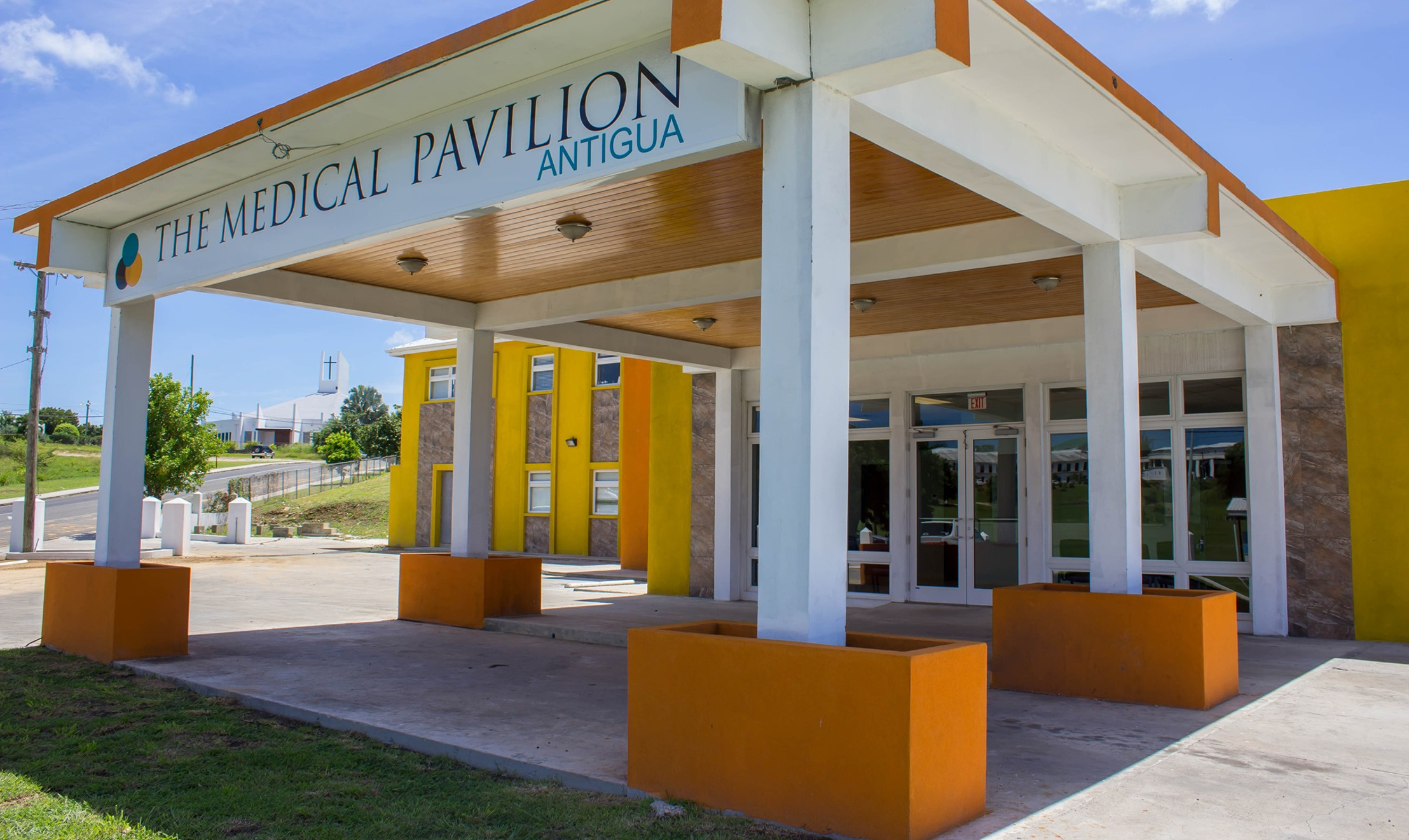
The government is making yet another intervention to fast track the re-opening of the Cancer Center Eastern Caribbean.
The opening has been delayed due to a conflict between the previous owners and the current buyers as it relates the use of removal of the machine use for radiation.
The previous owners are of the view that the machine is still usable, however it does not fit into the vision of the US Group that has invested in the facility. They are promising the top-of-the line equipment to delivery the most modern cancer treatment methods.
The government now intend to give the former owners an ultimatum to remove equipment from the building or they will be discarded.
The matter was discussed in Cabinet with Prime Minister’s Chief of Staff Lionel Hurst indicating, the machine is not only old, but it is also outdated.
“The Cancer Center first came into being shortly after 2014 and so the equipment there is at least or are at least ten years old. It means therefore that in that period of time, 2014 to the present, that new methodologies and new equipment have emerged.”
The government has also enlisted the assistance of the International Atomic Energy Agency to determine the safest method of removal.
“The government is therefore giving the previous owners reasonable time to have the old equipment removed and if no action is taken, a professional firm will be asked to discard the old machines. The entire process is set to be completed by the end of March next year,” Hurst said.

This story was first published by Antigua News on : antigua.news/2024/11/01/1government-pushes-to-reopen-cancer-center-amid-equipment-dispute-sets-march-deadline-for-resolution. © 2024 Antigua News. Republication without permission is not allowed.

About the author
The Editorial Staff refers to all reporters employed by Antigua.news. When an article is not an original creation of Antigua.news—such as when it is based on a press release, other media articles, letters to the editor, or court decisions—one of our staff members is responsible for overseeing its publication.
Read our editorial standards and corrections policy. Spotted an error? Contact the newsroom.
More from Antigua and Barbuda
View section
US$600 Appeal Launched to Save Dog Injured in All Saints Police Shooting
Animal welfare supporters are seeking financial assistance for urgent veterinary treatment after Helen reportedly suffered a gunshot wound to her face during a police operation that left another dog dead.
By Cory Wayland

Taxi Association Removes 40 Bags of Waste During Ffryes Beach Clean-up
Members and volunteers tackle litter at Big and Little Ffryes beaches ahead of the 2026/2027 cruise season.
By Cory Wayland

Police Express Regret After Dog Fatally Shot During All Saints Search
Police say officers initially used less-lethal measures before one dog allegedly continued advancing aggressively during an early-morning operation.
By Cory Wayland

Police Seek Public Assistance in Locating Family of Child Found Alone on Belmont Main Road
Authorities are appealing to the public for urgent assistance in identifying the child and locating her parents or guardians.
By Cory Wayland
Comments
Be the first to comment.