
Parliamentary Representative Fernandez Awards Laptops to 19 Students for Continued Education

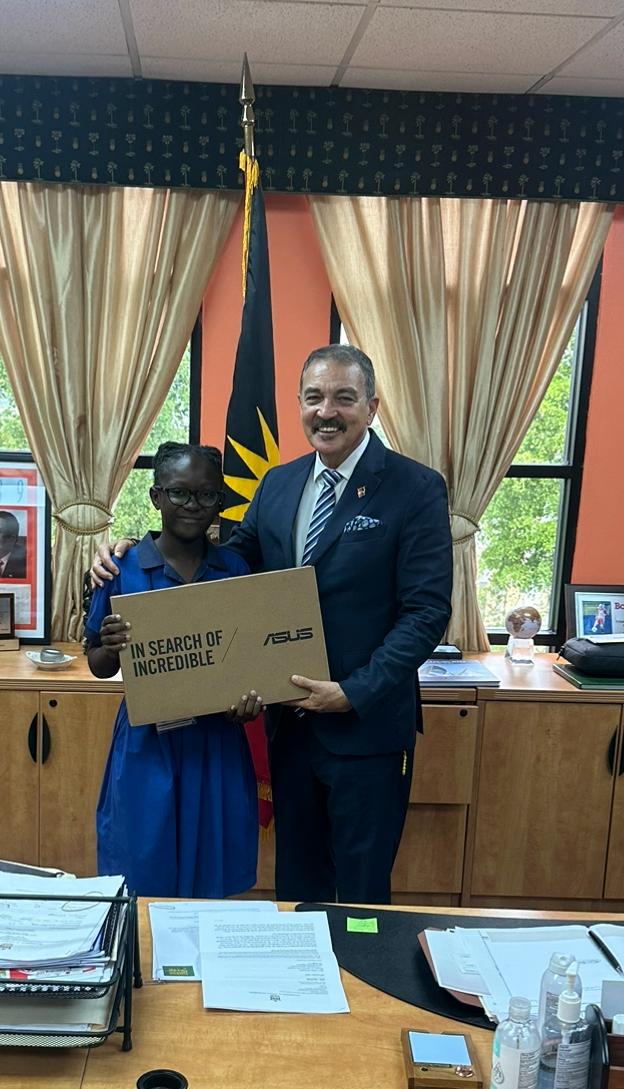
As the new school term begins, the Parliamentary Representative for St. John’s Rural North, Hon. Charles Fernandez, has taken a significant step to support the academic growth of students in his constituency.
Earlier this month, 19 students were once again awarded fully equipped laptops to assist them in their secondary school studies.
Of the 19 recipients, 18 are recent graduates of Cedar Grove Primary School who excelled in the 2024 National Assessment Exams.
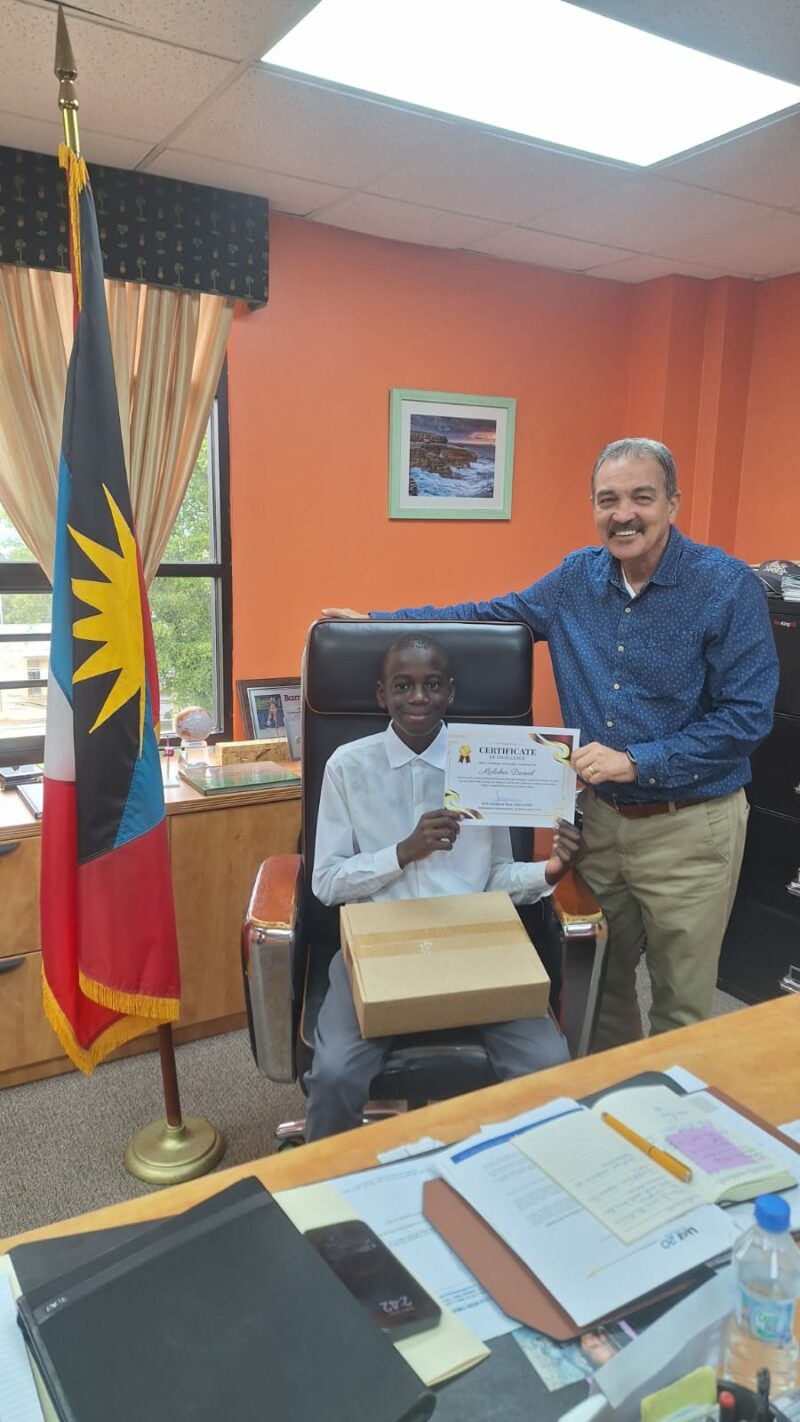
The laptops were presented along with personalized certificates signed by Minister Fernandez, which read:
“You are brave, smart, talented, and loved. Now that you have completed primary school, you are gifted with a brand-new laptop to aid in your continued studies at secondary school. Congratulations on your achievement.”
Minister Fernandez expressed his joy in equipping these students with the tools they need to succeed, emphasizing the importance of responsible use of technology in their education.
“I am delighted to see our bright young minds from Cedar Grove Primary School stepping confidently into the next phase of their education. It is my hope that these laptops will empower them to excel in your studies and embrace the limitless opportunities that education provides,” Minister Fernandez stated.

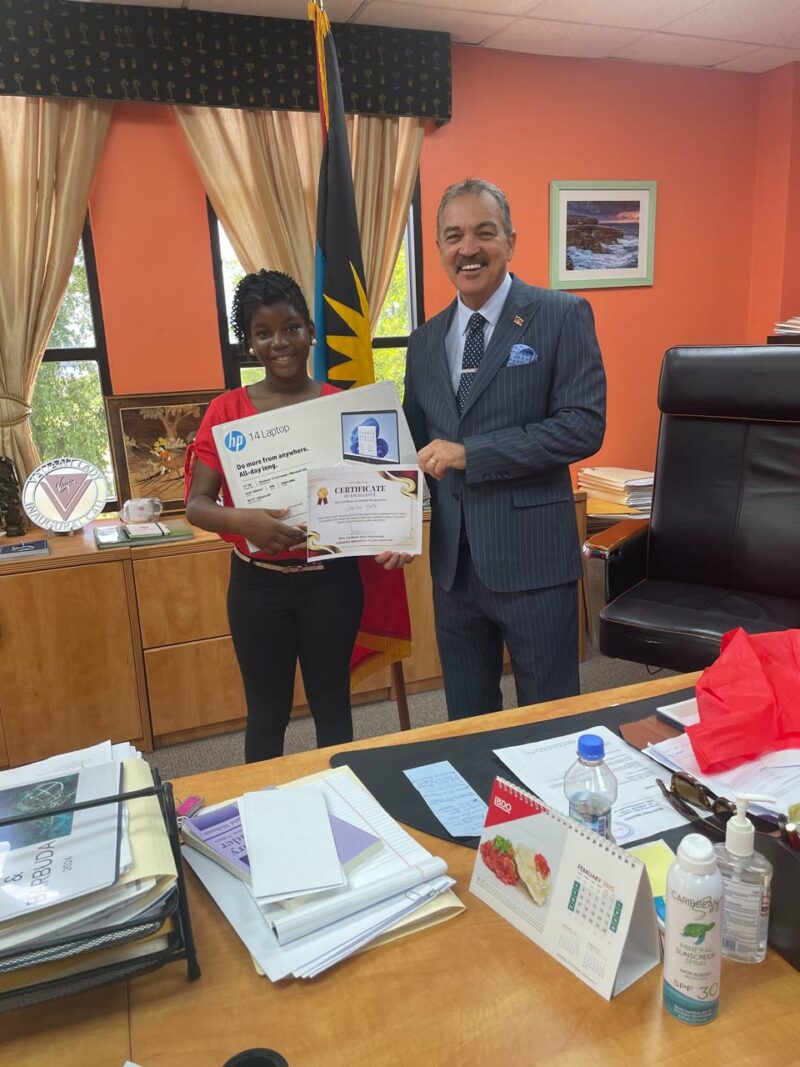
While meeting with each student, Minister Fernandez encouraged them to remain focused and committed to their studies, lightheartedly adding, “If you don’t perform, we’ll find out.”
Among the recipients was Oskeya Toney, a resident of Yorks Village and a graduate of Villa Primary School, who was recognized as the 2024 Top Public-School Grade 6 National Assessment Student.
Oskeya is currently excelling at the Antigua Girls’ High School, and the laptop has proven instrumental in her academic success.
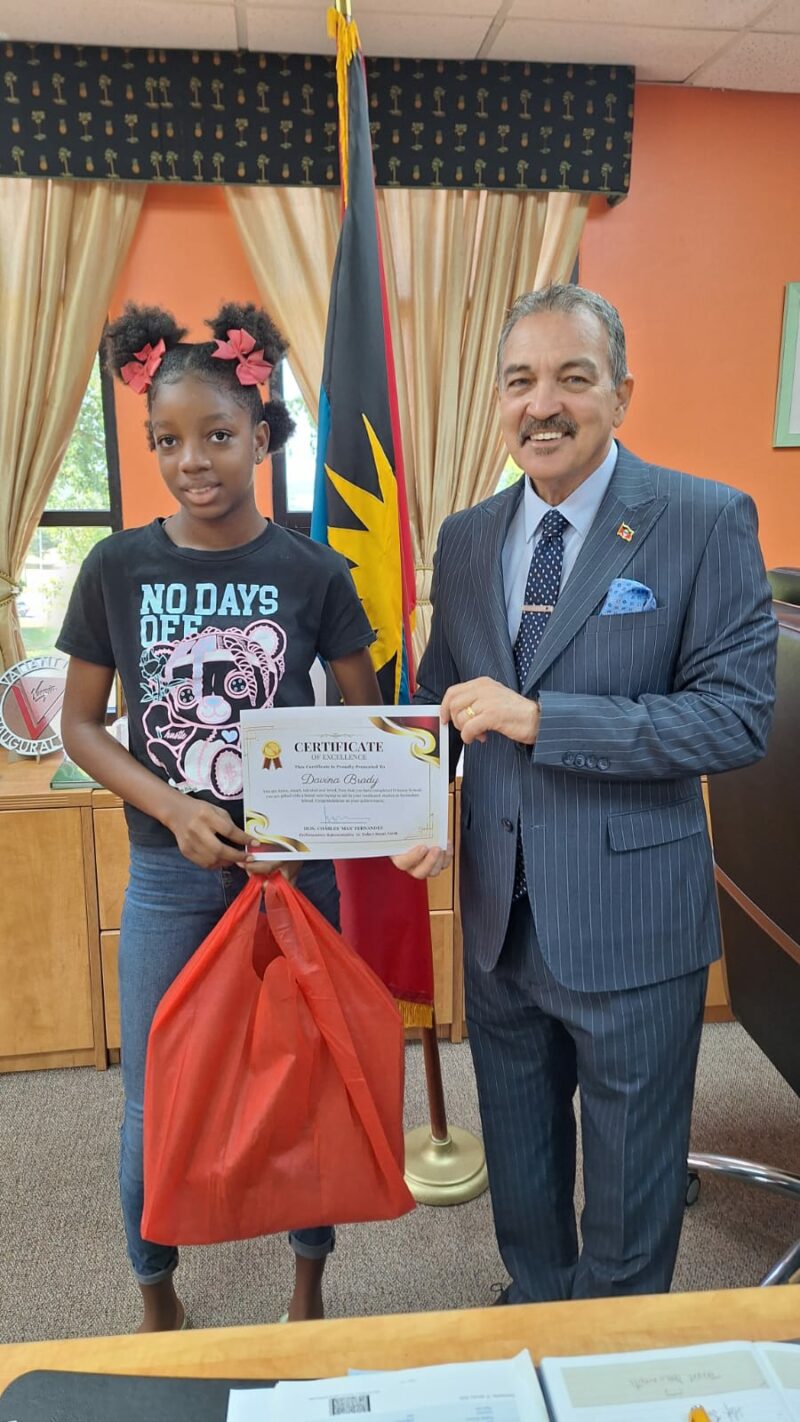
The laptops were distributed to students and their parents by Minister Fernandez throughout the month of January, underscoring his commitment to fostering educational excellence within St. John’s Rural North.

About the author
The Editorial Staff refers to all reporters employed by Antigua.news. When an article is not an original creation of Antigua.news—such as when it is based on a press release, other media articles, letters to the editor, or court decisions—one of our staff members is responsible for overseeing its publication.
Read our editorial standards and corrections policy. Spotted an error? Contact the newsroom.
More from Antigua and Barbuda
View section
Ministry Urges Public to Wear Pink and Prioritise Breast Health This October
Breast Cancer Awareness Month observance encourages awareness, appropriate screening and support for those affected by the disease.
By Shermain Bique-Charles

Choksi’s UK Lawsuit Ends Without Resolving Alleged Abduction from Antigua
A security deposit of nearly US$897,000 preceded the end of the London case over his alleged removal to Dominica in 2021.
By Shermain Bique-Charles

SLBMC Pharmacy Launches 24-Hour Service
The pharmacy is now open around the clock, accepting valid prescriptions from everyone, regardless of where they received care.
By Shermain Bique-Charles

PM Browne Says Survivors’ Stories Strengthen Push for Tougher Sexual Abuse Penalties
Prime Minister highlights the lasting impact of childhood sexual abuse and urges greater vigilance in protecting boys and girls.
By Shermain Bique-Charles
Comments
Be the first to comment.